Computer Accessories on Rent

7 Benefits of Computer Accessories on Rent: A Smart Choice for Modern Businesses

Computer Accessories on Rent

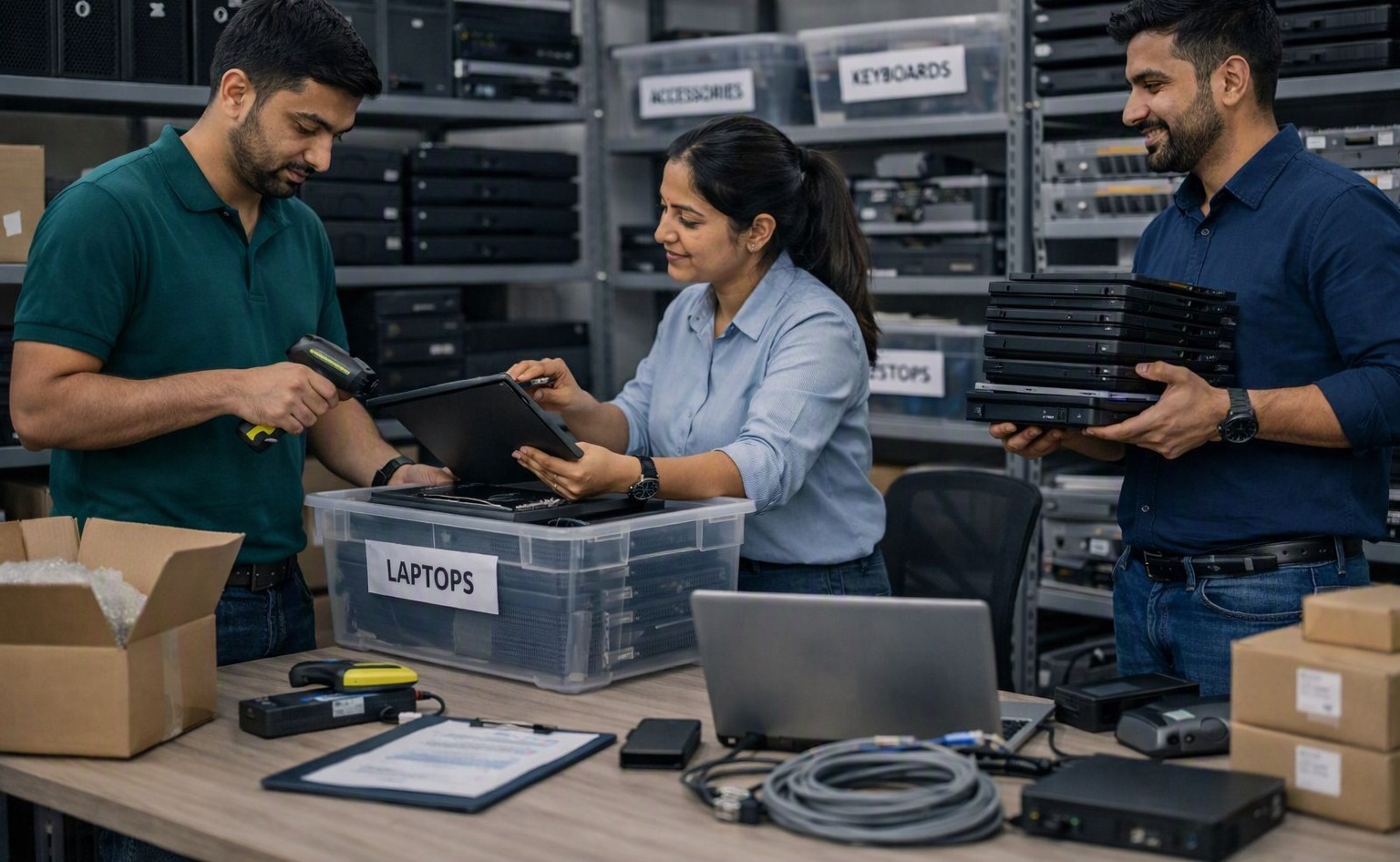
Running a business requires more than just computers. A productive workplace also needs the right accessories, such as monitors, keyboards, mice, docking stations, headsets and other essential peripherals. Whether you are setting up a new office, expanding your team or preparing for a temporary project, having the right equipment can make everyday operations much easier.

However, purchasing every accessory can increase your initial investment, especially when you need multiple workstations. What if you could arrange the equipment, you need without purchasing everything outright? That’s where computer accessories on rent become a practical solution for modern businesses.

With flexible rental arrangements, companies can access essential computer peripherals according to their requirements. Businesses in Bangalore can explore rental options that suit their office setup, project duration and budget. Renton Technologies helps businesses find suitable IT equipment and accessory rental solutions without unnecessary purchasing commitments.

Why Computer Accessories on Rent Are Becoming Popular

Modern workplaces frequently experience changes in employee strength, project requirements and technology needs. A company might need additional monitors for a new team this month and extra keyboards and mice for a training programme next month. Purchasing all these items can result in unnecessary spending when the equipment may not be required permanently.

Choosing computer accessories on rent allows businesses to arrange the peripherals they need for a specific period. Instead of investing heavily in equipment that might remain unused later, companies can explore rental arrangements based on their actual requirements.

This approach is particularly useful for startups, IT companies, educational institutions, corporate offices and businesses managing temporary projects. It also helps organisations maintain flexibility when their operational needs change.

The growing availability of peripheral rental options in Bangalore reflects this practical approach to IT procurement. Businesses can explore individual accessories or complete workstation requirements depending on availability and rental terms.

What Equipment Can You Get with Computer Accessories on Rent?

A computer workstation is made up of several components that work together. While the computer handles processing tasks, accessories help employees interact with information, communicate with colleagues and complete everyday activities comfortably.

Depending on availability and business requirements, computer accessories on rent can include different types of peripherals.

Computer Accessories on Rent for Monitors and Displays

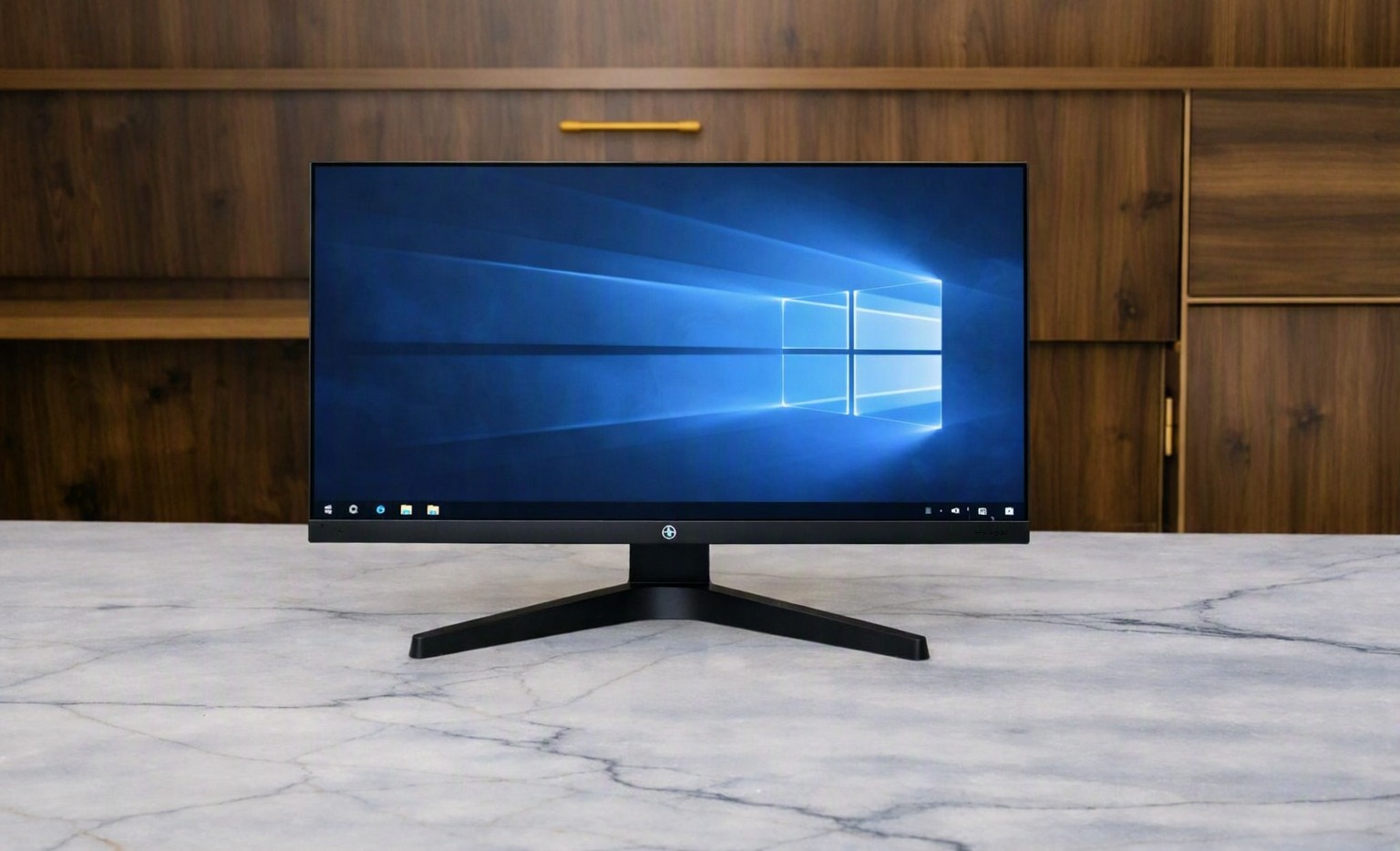
Monitors are essential for employees who regularly work with spreadsheets, presentations, software development tools and multiple applications. A larger display can make multitasking easier and provide more comfortable viewing space.

Businesses looking for a Monitor on Rent in Bangalore can explore different screen sizes and configurations according to their work requirements. Single-monitor and dual-monitor arrangements can be useful for administrative teams, developers, designers and professionals handling multiple tasks.

Computer Accessories on Rent for Keyboards and Mice

Keyboards and mice are among the most frequently used computer peripherals in any office. Employees depend on them throughout the working day for typing, navigation, data entry and communication.

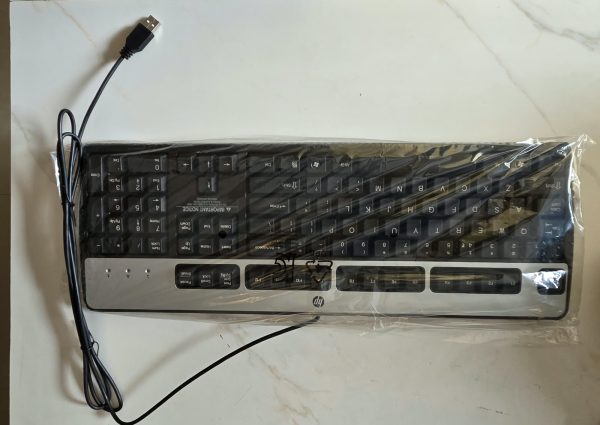
Businesses that need additional workstations can consider Keyboard and Mouse on Rent instead of purchasing these accessories individually. Wired and wireless options can be selected based on compatibility, employee preferences and availability.

Computer Accessories on Rent for Other Office Peripherals

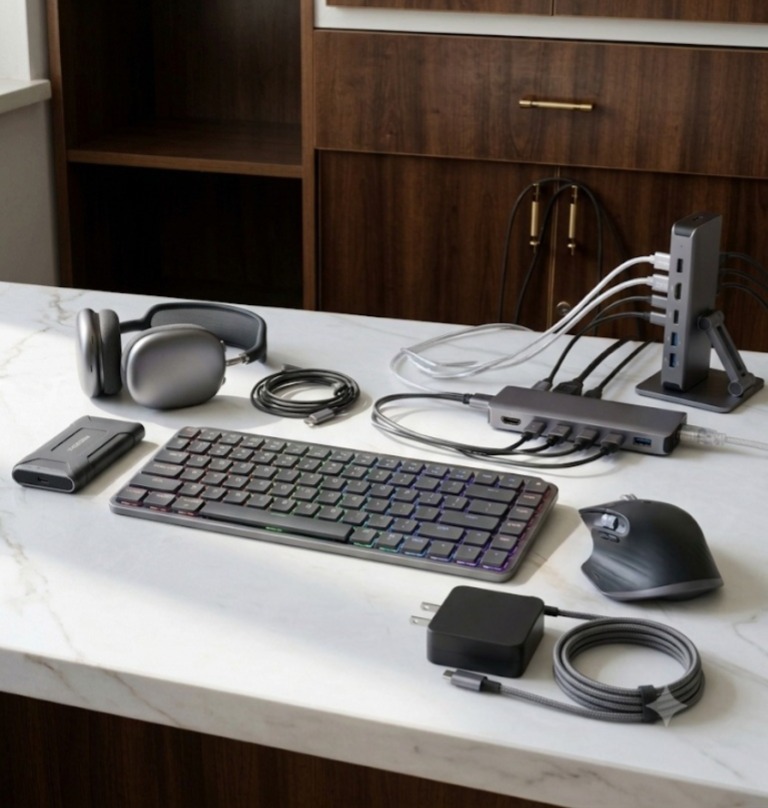
Apart from monitors and input devices, businesses may require docking stations, webcams, headsets, speakers, cables and other computer peripherals. These accessories help employees connect devices, attend virtual meetings and improve their overall workstation experience.

Before requesting a rental quotation, identify the accessories your employees actually need. This makes it easier to select compatible equipment and avoid unnecessary expenses.

7 Benefits of Computer Accessories on Rent for Businesses

1. Computer Accessories on Rent Help Reduce Initial Investment

Setting up multiple workstations can require a considerable initial budget. Apart from computers, businesses must arrange monitors, keyboards, mice and other peripherals. These additional purchases can increase procurement costs, particularly for startups and growing organisations.

Choosing computer accessories on rent helps reduce the need for large upfront purchases. Businesses can allocate their available funds towards employee recruitment, marketing, infrastructure and other important activities. Rental charges can also make equipment expenses easier to plan over an agreed period.

2. Computer Accessories on Rent Offer Flexible Usage

Not every business requires the same equipment throughout the year. Training institutes may need additional accessories during admission periods, while corporate companies might require extra workstations for temporary projects.

Rental arrangements allow businesses to match equipment usage with their operational requirements. Depending on the provider, rental periods may be available for different durations, helping organisations avoid purchasing equipment for short-term needs.

3. Computer Accessories on Rent Support Growing Teams

When a business hires new employees, it must ensure that suitable workstations are available. Purchasing accessories every time the team expands can make office management complicated.

With office computer accessories on rent, companies can explore additional monitors and peripherals as their workforce increases. This is especially helpful for startups, BPO companies, IT firms and businesses managing project-based teams.

4. Computer Accessories on Rent Reduce Maintenance Responsibilities

Computer accessories can develop technical problems through regular usage. A faulty monitor, damaged keyboard or malfunctioning mouse can interrupt an employee’s daily work.

Depending on the rental agreement, the service provider may offer technical assistance, maintenance or replacement support. Businesses should check these conditions before confirming an order to understand exactly what assistance is included.

5. Computer Accessories on Rent Improve Workplace Productivity

A comfortable and properly equipped workstation helps employees complete their responsibilities more efficiently. For example, additional monitors can make it easier to compare documents, analyse data and manage multiple applications.

Similarly, suitable keyboards, mice and communication accessories can support everyday office activities. Choosing the right equipment for different job roles helps businesses create a more organised and productive working environment.

6. Computer Accessories on Rent Support Temporary Projects

Businesses frequently organise training programmes, workshops, corporate events and short-term assignments. Such activities may require additional computer peripherals for a limited period.

Purchasing equipment for temporary usage may not be practical. Computer accessories on rent provide an alternative for arranging the necessary peripherals without making permanent purchases for every project.

7. Computer Accessories on Rent Encourage Smarter Resource Management

Unused IT equipment occupies office space and ties up business resources. When project requirements change, some accessories may remain unused for months.

Rental arrangements can help businesses organise equipment requirements more efficiently. Instead of purchasing every item permanently, organisations can evaluate what they need, how long they need it and whether renting is the better option.

Who Should Choose Computer Accessories on Rent?

Different types of organisations can benefit from renting computer peripherals. The most suitable choice depends on the number of employees, project duration and available IT budget.

Some common examples include:

  • Startups: Arrange essential computer peripherals without making large initial investments.
  • Corporate offices: Equip additional employees and departments when business requirements increase.
  • Training institutes: Set up computer labs for temporary courses, workshops and training batches.
  • IT companies: Arrange additional accessories for software development and project teams.
  • BPO companies: Equip multiple employee workstations according to operational requirements.
  • Event organisers: Arrange computer peripherals for conferences, exhibitions and temporary events.

Businesses searching for Computer Accessories Rental in Bangalore can explore rental options based on their location, quantity requirements and preferred rental duration.

How to Choose the Right Computer Accessories on Rent

Selecting the right accessories requires more than comparing rental prices. Businesses should consider equipment compatibility, quality, availability and support conditions before making a decision.

Start by preparing a list of the accessories required for each workstation. Check the monitor size, display connections, keyboard type, mouse connectivity and other specifications. If you are renting accessories for existing computers, confirm that all components are compatible with your devices.

Next, compare the rental duration, monthly charges, security deposit if applicable, delivery costs and maintenance conditions. Ask the provider whether installation assistance or replacement support is included.

A clear quotation helps you understand the complete cost rather than focusing only on the monthly rental amount. This simple evaluation can prevent unexpected expenses and make the rental experience more convenient.

Why Choose Renton Technologies for Computer Accessories on Rent?

Finding a reliable IT equipment rental partner is important when your business depends on technology every day. You need equipment that suits your requirements, clear rental terms and dependable assistance throughout the rental period.

Renton Technologies, based in Electronic City, Bangalore, provides IT hardware rental solutions for businesses, startups, corporate offices and institutions. The company focuses on helping organisations arrange the equipment they need through flexible rental options.

Here is why businesses can consider Renton Technologies for their IT equipment requirements:

  • Flexible rental durations: Explore rental arrangements based on your project and business requirements.
  • Business equipment solutions: Access IT hardware and peripheral rental options according to availability.
  • Quality-checked equipment: Get equipment that is checked before deployment.
  • Technical assistance: Get support for your IT equipment requirements.
  • Multiple rental categories: Explore laptop, desktop, workstation, server, printer and computer accessory rental solutions.

Whether you are establishing a new office, expanding your existing workspace or organising a temporary training programme, Renton Technologies can help you explore suitable IT rental solutions.

To discuss your requirements, contact Renton Technologies at 8050281515 or visit http://www.renton.org.in

Conclusion: Why Computer Accessories on Rent Make Business Sense

Managing office technology does not always mean purchasing every piece of equipment. Businesses need practical solutions that support their employees while keeping expenses under control. From monitors and keyboards to mice and other essential peripherals, renting provides an alternative way to arrange the equipment required for daily operations.

Computer accessories on rent can be particularly useful for startups, corporate offices, training institutes and organisations handling temporary projects. By choosing suitable accessories, checking compatibility and understanding rental conditions, businesses can create functional workspaces without unnecessary purchasing commitments.

If your business needs additional computer peripherals in Bangalore, explore the rental options available at Renton Technologies and find equipment that matches your requirements.

Frequently Asked Questions

Commonly rented computer accessories include monitors, keyboards, mice, docking stations, webcams, headsets, speakers and other office peripherals. Availability depends on the rental provider and specific requirements.

Yes. Businesses in Bangalore can explore rental options for monitors, keyboards, mice and other computer peripherals. Renton Technologies, located in Electronic City, Bangalore, can help you discuss your requirements and check availability.

Yes. Startups can use rental arrangements to equip their employees without purchasing every accessory upfront. This can help them manage their initial IT expenses while maintaining a functional workplace.

Depending on the provider’s availability and rental policies, individual accessories can be requested separately or as part of a complete workstation setup. Confirm the required quantity and compatibility before placing an order.

You can contact Renton Technologies at 8050281515 or visit https://www.renton.org.in. Share the accessories you require, quantity, preferred rental duration and delivery location to discuss suitable rental options.
WhatsApp Image 2026-10-15 at 11.01.37 AM
Refurbished Laptops in Electronic City

Refurbished Laptops in Electronic City: A Smart Choice for Affordable Computing

Refurbished Laptops in Electronic City

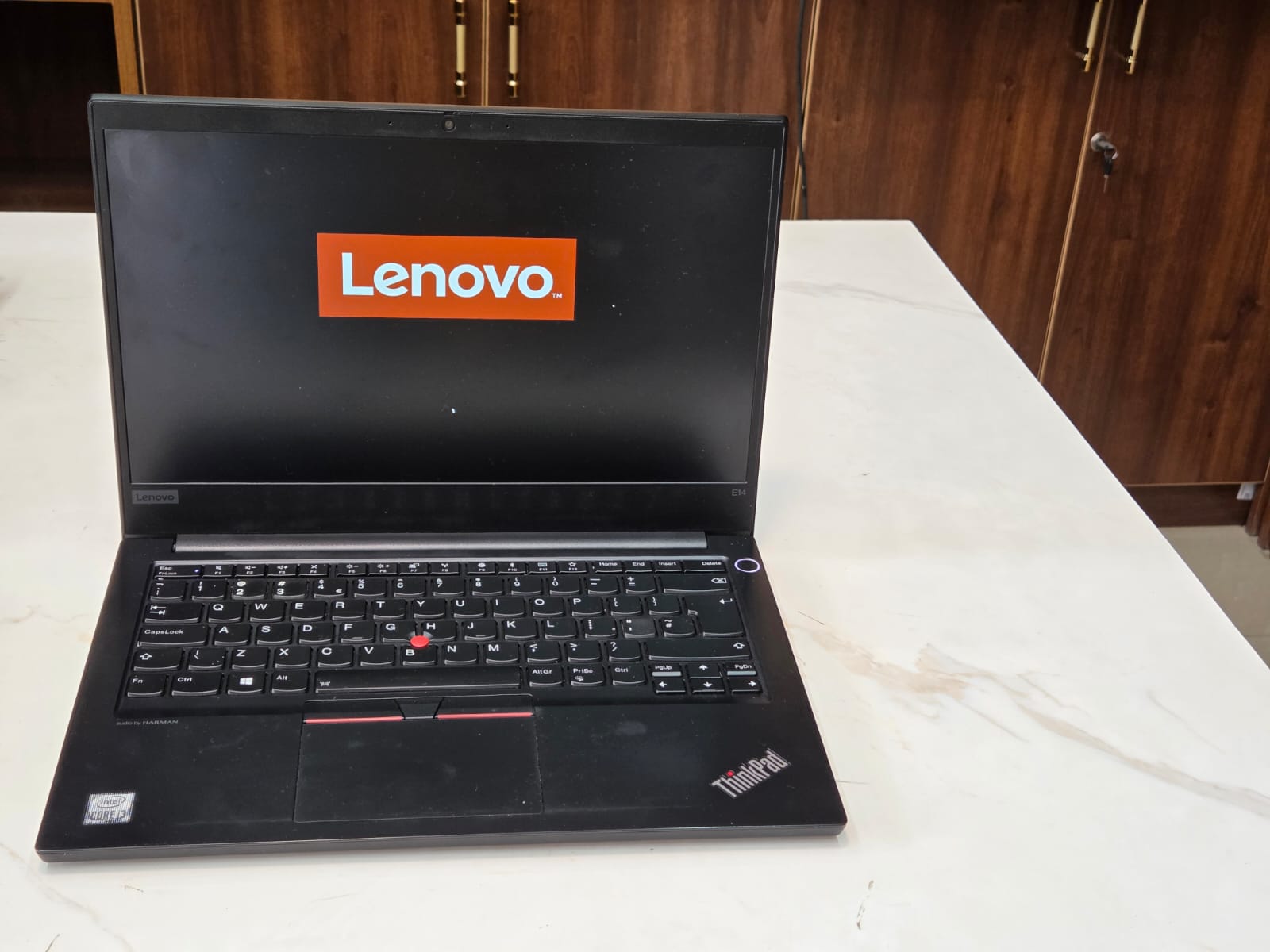
Buying a new laptop can be expensive, especially when you need multiple devices for your business, office or personal use. But what if you could get a reliable laptop with good specifications without spending your entire budget? That’s where refurbished laptops become a practical option. Today, many businesses, startups, students and working professionals are considering refurbished devices as an affordable alternative to brand-new computers.

If you are searching for refurbished laptops in Electronic City, choosing a reliable refurbished laptop dealers in Electronic City is just as important as selecting the right laptop model. A properly inspected laptop can deliver good performance for everyday computing, office applications, online meetings and professional tasks.

At Renton Technologies, we understand that every customer has different computing requirements. Whether you need a single laptop for personal use or multiple systems for your office, selecting the right configuration can help you get better value for your investment.

Why Choose Refurbished Laptops in Electronic City?

Electronic City is one of Bangalore’s important business and technology hubs. It has numerous IT companies, startups, educational institutions and corporate offices that depend on computers for their daily operations. With increasing technology requirements, purchasing new laptops for every employee can put pressure on business budgets.

This is one reason why refurbished laptops in Electronic City are worth considering. They provide an opportunity to purchase previously owned laptops that have undergone inspection and necessary servicing before resale.

Businesses can explore established models from brands such as Dell, HP and Lenovo, depending on stock availability. These brands offer business-oriented laptop ranges designed for office productivity and professional environments.

Instead of spending more on entry-level new laptops, buyers can compare refurbished business models with better configurations within their budget. However, always check the device condition, specifications and warranty before making a purchase.

What Are Refurbished Laptops?

A refurbished laptop is a previously owned device that has been inspected, cleaned, tested and repaired where necessary before being offered for resale. Depending on its condition, certain components may also be replaced or upgraded.

Unlike an ordinary second-hand laptop, a properly refurbished device should undergo technical checks to identify hardware problems and performance issues. The exact refurbishment process can differ between sellers, so buyers should ask what testing and servicing have been completed.

Difference Between Refurbished and Used Laptops in Electronic City

Understanding the difference can help you make a better purchasing decision.

Feature

Refurbished Laptop

Used Laptop

Condition

Inspected and prepared for resale

Depends on previous usage

Testing

Should undergo quality checks

Testing may be limited

Repairs

Necessary repairs may be completed

Repairs are not always completed

Appearance

Cleaned and graded

Varies

Warranty

Depends on seller’s policy

May not be available

Price

Generally lower than new devices

Usually varies by condition

When comparing used laptops in Electronic City, don’t make your decision based on price alone. Ask about testing, battery condition, replacement components and after-sales support.

Benefits of Refurbished Laptops in Electronic City

Choosing affordable refurbished laptops can offer several advantages when you purchase from a seller who provides clear product information and appropriate quality checks.

Cost-Effective Computing with Refurbished Laptops in Electronic City

The biggest advantage is affordability. A refurbished laptop generally costs less than a comparable new device, allowing buyers to manage their technology expenses more effectively.

For startups and small businesses, this can make a significant difference. Instead of allocating a large budget to new computers, companies can purchase suitable refurbished systems and use the remaining funds for other business requirements.

Better Specifications with Refurbished Laptops in Electronic City

Your budget plays an important role when selecting a laptop. Refurbished devices can help you explore business-class configurations that might otherwise be outside your purchasing budget.

Depending on availability, you may find laptops featuring Intel Core i5 or i7 processors, 8GB or 16GB RAM and SSD storage. These configurations can support everyday office applications, browsing, documentation, accounting software and multitasking.

Always compare the processor generation, RAM, storage capacity and upgrade options before selecting a device.

Business Productivity with Refurbished Laptops in Electronic City

Businesses need computers that support everyday operations without unnecessary expenditure. Refurbished business laptops can be useful for administrative teams, customer support executives, sales professionals and employees working with office applications.

Companies that need multiple systems can also explore bulk purchasing options. Selecting similar configurations across a team can simplify device management, maintenance and employee onboarding.

How to Choose Refurbished Laptops in Electronic City

Finding the right laptop requires more than checking its brand and price. Before purchasing, evaluate the following important factors.

Check Specifications of Refurbished Laptops in Electronic City

Start by understanding your requirements. Different users need different configurations.

For example, employees handling emails, spreadsheets and documentation may need an Intel Core i5 processor with 8GB RAM and SSD storage. Developers, designers and professionals handling demanding applications may benefit from higher RAM, stronger processors and suitable graphics capabilities.

Consider these general configuration guidelines:

  • Processor: Choose a processor suitable for your software and workload.
  • RAM: 8GB is a practical starting point for basic office work; 16GB is preferable for heavier multitasking.
  • Storage: Prefer SSD storage for faster boot times and application loading.
  • Display: Check screen resolution, brightness and overall condition.
  • Operating System: Verify Windows activation and software compatibility.

Inspect Battery and Physical Condition of Refurbished Laptops in Electronic City

Battery performance is an important factor when buying a pre-owned laptop. Ask the seller about battery health and expected backup time. A laptop may perform well when connected to a charger but have limited portability if its battery has deteriorated.

Also inspect the display, keyboard, touchpad, hinges, speakers, webcam and charging port. Test the USB and HDMI ports, Wi-Fi and Bluetooth connectivity wherever applicable.

A physical inspection can help identify problems before you complete the purchase.

Verify Warranty and Quality Testing for Refurbished Laptops in Electronic City

Never assume that every refurbished laptop comes with the same warranty. Warranty duration, covered components and service conditions vary between sellers.

Ask for an invoice and written warranty details. You should also understand the return or replacement policy, if available.

A trustworthy seller should be able to explain what has been tested, whether any components have been replaced and what support is available after purchase.

Who Should Buy Refurbished Laptops in Electronic City?

These devices can suit different categories of buyers depending on their budget and computing requirements.

Startups and Small Businesses Choosing Refurbished Laptops in Electronic City

Startups often operate with limited budgets while building their teams. Purchasing multiple new laptops can become expensive, particularly during the initial stages of business operations.

Refurbished laptops provide another option for equipping employees with suitable computers. Companies can compare available models, select configurations based on job responsibilities and manage their technology spending more effectively.

Students and Professionals Choosing Refurbished Laptops in Electronic City

Students may need laptops for assignments, online learning, presentations and research. Working professionals may require computers for documentation, virtual meetings, browsing and productivity applications.

For these users, refurbished laptops can provide an affordable way to access suitable computing configurations. The important thing is to select a model that meets current software requirements and offers dependable performance.

Why Buy Refurbished Laptops in Electronic City from Renton Technologies?

Choosing the right seller makes a difference when purchasing refurbished IT equipment. Renton Technologies, based in Electronic City, Bangalore, offers IT hardware solutions for businesses, startups and individual requirements.

We understand that customers look for suitable configurations, transparent product information and dependable support when purchasing computers.

Whether you need a laptop for everyday office work, employee requirements or business operations, our team can help you explore available options based on your needs and budget.

You can enquire about available Dell, HP and Lenovo laptop models, configurations and bulk requirements. Our focus is on helping customers identify practical IT hardware solutions without unnecessary spending.

If you are looking for refurbished laptops in Electronic City, connect with Renton Technologies to discuss your requirements and check current stock availability.

Contact Renton Technologies

Conclusion: Choose the Right Refurbished Laptops in Electronic City

Buying a refurbished laptop can be a smart decision when you understand your requirements and select a properly inspected device. From startups and corporate offices to students and working professionals, different users can benefit from affordable computing solutions.

Before purchasing, compare specifications, inspect the physical condition, verify battery health and understand the warranty terms. A little research can help you avoid unnecessary expenses and select a laptop that meets your expectations.

For quality-checked laptop options and business IT hardware requirements, connect with Renton Technologies in Electronic City, Bangalore. Explore available configurations and find a suitable computing solution for your needs.

Refurbished Laptop Dealers in Electronic City

Frequently Asked Questions.

Yes. They can offer good value when purchased from a reliable seller. Check the specifications, physical condition, battery health, testing process and warranty before purchasing.

A refurbished laptop should undergo inspection, cleaning and necessary repairs before resale. A second-hand laptop may be sold directly without professional testing or servicing.

For general office activities, an Intel Core i5 processor, 8GB RAM and SSD storage can be a practical starting point. For heavier multitasking, consider 16GB RAM or a higher configuration.

Yes. Businesses can enquire about bulk laptop requirements and available configurations. Purchasing multiple devices can help companies manage their IT budgets more effectively.

You can contact Renton Technologies, located in Electronic City, Bangalore, to enquire about available laptop models, specifications and pricing.

IT AMC Services in Bangalore

IT AMC Services in Bangalore: A Complete Guide for Businesses in Electronic City

IT AMC Services in Bangalore

Introduction: IT AMC Services in Bangalore

Businesses in Electronic City, Bangalore, depend on computers, laptops, networks, and other IT equipment to keep daily operations running smoothly. From technology startups and corporate offices to BPOs and growing businesses, even a minor hardware problem can interrupt employee productivity and delay important work.

The challenge is not simply fixing a computer when it stops working. Businesses also need a practical way to maintain their equipment, manage repair costs, and plan for future IT requirements.

This is where IT AMC services in Bangalore can make a difference. An IT Annual Maintenance Contract (AMC) establishes an agreed arrangement for maintaining specified IT equipment and receiving technical support over a defined period.

For businesses in Electronic City, a suitable AMC can help create a more organized approach to IT maintenance while reducing the uncertainty associated with unexpected equipment failures.

In this guide, we explain how IT AMCs work, what businesses should look for in a maintenance agreement, and how Renton Technologies can help organizations explore their IT maintenance and hardware requirements.

What Are IT AMC Services?

An IT Annual Maintenance Contract is an agreement between a business and a service provider for maintaining specified IT equipment over an agreed period, commonly one year.

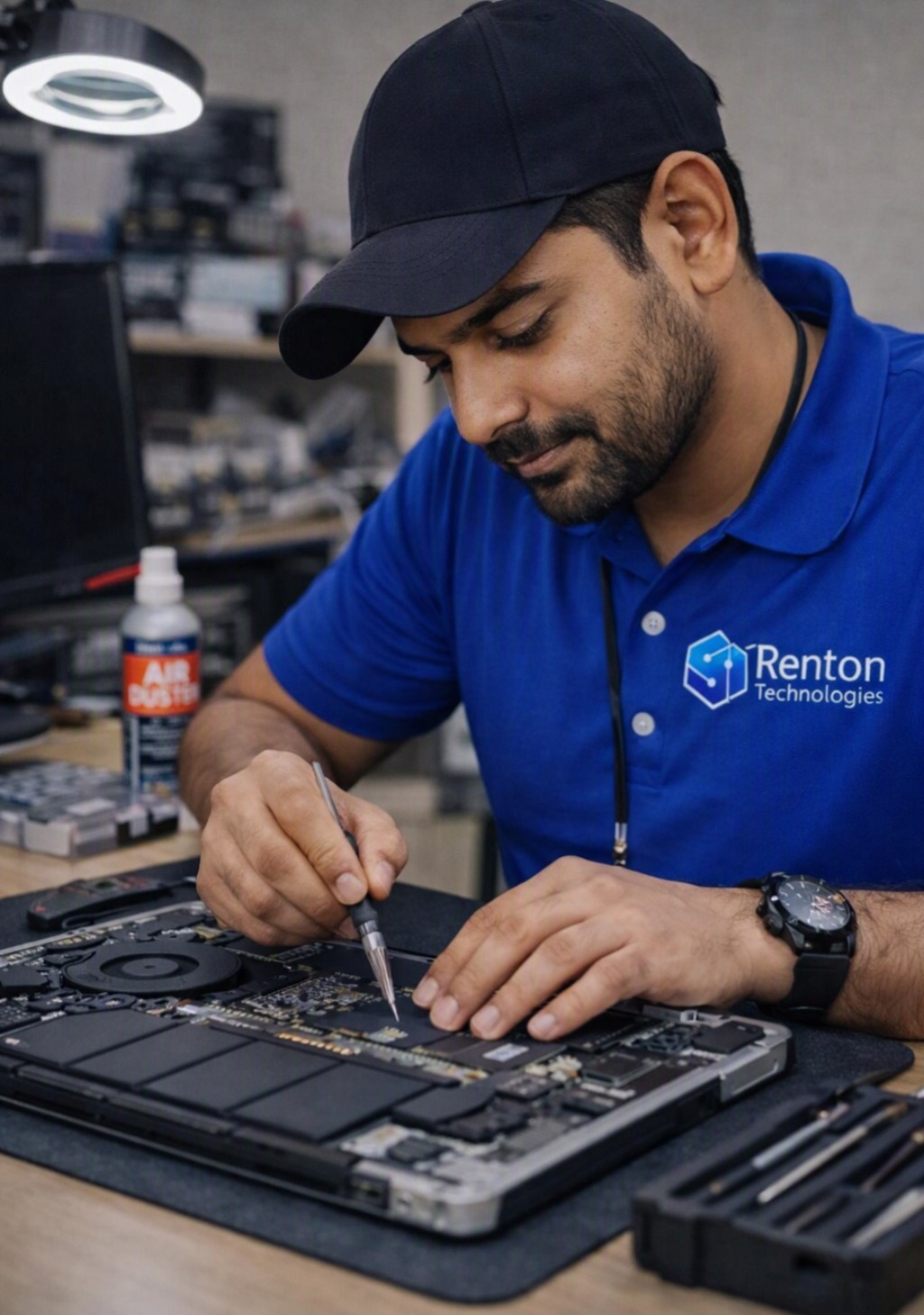
Depending on the contract, services may include routine equipment checks, hardware troubleshooting, technical assistance, and preventive maintenance. The exact coverage varies according to the provider, equipment type, and selected plan.

For example, an office with 40 desktop computers and 15 laptops might need regular equipment checks and a clear process for reporting technical issues. An AMC can define how those requirements will be handled.

Businesses looking for an annual maintenance contract in Bangalore should review the proposed scope carefully before signing an agreement.

A well-defined contract should clarify:

  • Which devices and components are covered.
  • What maintenance activities are included.
  • Whether support is provided remotely, on-site, or through both methods.
  • Applicable response times and support hours.
  • Whether spare parts and replacement components are included.
  • What services or repairs incur additional charges.

Understanding these details helps businesses choose a maintenance arrangement that matches their operational requirements.

Why Do Businesses in Electronic City Need IT Maintenance?

Electronic City is an important business and technology hub in Bangalore. Organizations operating in the area may have multiple teams, shared workstations, meeting rooms, network equipment, and specialized hardware supporting their daily activities.

As the number of devices increases, managing maintenance informally can become difficult.

1. Reduce avoidable downtime

A computer that repeatedly crashes or a network device that develops connectivity problems can affect several employees.

Preventive maintenance helps identify certain issues before they become disruptive failures. Although no maintenance contract can eliminate every technical problem, scheduled checks and timely troubleshooting can help businesses manage equipment more effectively.

2. Keep IT maintenance costs more predictable

Unexpected repairs can make monthly IT expenditure difficult to plan.

An AMC provides an agreed maintenance arrangement, making it easier to understand the cost of covered services. However, parts, upgrades, accidental damage, and other exclusions may be charged separately, depending on the contract.

Businesses should compare the full scope and exclusions rather than choosing a provider based only on the quoted price.

computer AMC services in Bangalore

3. Support employee productivity

Employees need functioning computers, reliable connectivity, and properly maintained peripherals to complete their work.

A defined support process helps employees report technical problems and gives the responsible team a clearer way to track and resolve them.

IT hardware maintenance in Electronic City

4. Manage growing equipment inventories

A business that expands from 15 employees to 60 may quickly accumulate additional computers, laptops, printers, and networking equipment.

An organized maintenance plan makes it easier to track devices, schedule checks, and review future equipment requirements.

What Should IT AMC Services in Bangalore Include?

The right coverage depends on your business size, equipment inventory, and operational priorities. When comparing IT AMC services in Bangalore, consider the following areas.

Desktop and laptop maintenance

Office computers require attention to hardware condition, operating system health, performance issues, and peripheral connectivity.

Depending on the agreement, maintenance may cover hardware diagnostics, troubleshooting, and selected software-related support.

Businesses should confirm whether repairs, operating system installation, replacement parts, and data recovery are included or billed separately.

Network and connectivity support

Reliable connectivity is important for employees using cloud applications, internal business systems, and communication tools.

If networking equipment is included in the contract, clarify whether routers, switches, access points, and related components are covered.

Preventive maintenance and equipment checks

Preventive maintenance focuses on identifying potential problems before they cause avoidable disruption.

Depending on the equipment and service scope, checks may include reviewing device performance, inspecting physical condition, identifying overheating concerns, and documenting recurring faults.

The maintenance schedule should reflect the equipment’s age, usage, and business importance.

Technical support and service reporting

A clear reporting process helps employees communicate issues and allows businesses to monitor recurring problems.

Before signing an AMC, establish the available support channels, operating hours, response targets, escalation process, and reporting frequency.

Remember that response time and resolution time are different. A provider may acknowledge a problem quickly but require additional time to resolve it, especially when replacement parts are needed.

How to Choose the Right IT AMC Provider in Electronic City

Selecting the right maintenance partner goes beyond price comparisons. Businesses should assess whether the proposed service can support their actual working environment.

Check the service scope and local coverage

Confirm whether the provider can support your office location in Electronic City and whether on-site visits are available when necessary.

Ask about the process for urgent hardware failures, technician visits, and issues that cannot be resolved remotely.

Review the service-level agreement

A service-level agreement (SLA) should explain response targets, support hours, escalation procedures, and any applicable service commitments.

For businesses that depend heavily on IT systems, these details are particularly important.

Understand the pricing structure

AMC quotations may differ significantly depending on the type of coverage.

A labour-only agreement may exclude replacement components, while a comprehensive agreement may include specified parts under defined conditions.

Ask for written clarification of exclusions, taxes, additional visit charges, and renewal terms before making a decision.

Consider equipment age and replacement requirements

Older computers may experience recurring faults or become unsuitable for demanding applications.

Maintenance can help manage existing equipment, but it cannot make every ageing device reliable indefinitely.

A good maintenance review should help you identify when repairing existing hardware makes sense and when upgrading or replacing it deserves consideration.

IT AMC Services vs. IT Hardware Rental

For many growing businesses, maintenance is only one part of the IT equipment decision.

Owning computers provides long-term control over hardware, but it also involves an upfront investment and responsibility for equipment lifecycle management. Renting equipment can offer an alternative when businesses need to expand quickly, support temporary projects, or avoid purchasing every device immediately.

Business requirement

IT AMC

IT hardware rental

Maintain existing equipment

Suitable, depending on coverage

May be available alongside rental arrangements

Add computers for a temporary project

Does not itself supply equipment

Can be a suitable option

Manage unexpected repair expenditure

Depends on contract coverage

Depends on rental and support terms

Scale equipment for new employees

Requires separate procurement or rental

Offers a potential route to flexible capacity

Replace ageing hardware

May identify the need

Can provide an alternative to purchasing, subject to availability

These options are not mutually exclusive. A business can maintain its owned equipment while renting additional devices for a new team or short-term project.

Renton Technologies helps businesses explore IT hardware rental and maintenance requirements. Companies should confirm the available equipment, service scope, and applicable terms directly with the team.

A Practical IT Maintenance Checklist for Electronic City Offices

Before arranging an AMC, prepare a basic inventory of your office IT assets.

  1. List your equipment: Record the number of desktops, laptops, printers, and network devices.
  2. Identify recurring problems: Note slow systems, repeated crashes, connectivity issues, and frequent repair requirements.
  3. Prioritize critical equipment: Identify devices that directly affect business operations.
  4. Review existing warranties: Check which devices are still covered by manufacturer warranties.
  5. Define support expectations: Decide your required support hours, response targets, and on-site assistance needs.
  6. Confirm coverage in writing: Document inclusions, exclusions, parts coverage, and additional charges.
  7. Plan for replacements: Identify equipment that may need upgrading or replacing in the coming months.

This checklist gives your provider a clearer understanding of your requirements and helps you compare proposals more effectively.

How Renton Technologies Can Help Your Business

For companies looking for IT support for businesses in Electronic City, the first step is understanding the equipment involved and the type of assistance required.

Renton Technologies offers IT hardware rental services and provides information about annual maintenance contract options for business equipment. Depending on your requirements and the agreed scope, the team can help you explore suitable arrangements for maintaining your IT assets.

Whether you manage an established office, operate a growing startup, or need additional computers for a temporary project, it is worth reviewing your maintenance and hardware needs together.

To get started, prepare your equipment inventory, current maintenance challenges, and expected support requirements. These details can help the team understand your situation and discuss an appropriate solution.

You can also visit the Renton Technologies Annual Maintenance Contract Services page to learn more about its maintenance offerings.

Conclusion: Build a More Reliable IT Maintenance Plan

Reliable IT equipment is essential for businesses operating in Electronic City, Bangalore. However, keeping computers and other devices working effectively requires more than occasional repairs. Businesses need a clear maintenance process, realistic support expectations, and a practical plan for managing ageing hardware.

The right IT AMC services in Bangalore can help organizations structure their maintenance activities, understand service costs, and respond more effectively to recurring technical problems.

Before choosing a provider, review the contract scope, support commitments, exclusions, and equipment requirements carefully. If your business is also expanding, consider whether hardware rental could complement your existing maintenance arrangements.

Looking for IT hardware rental or maintenance options for your business in Electronic City?

Connect with Renton Technologies to discuss your equipment requirements and explore a suitable solution for your office.

Frequently Asked Questions

IT AMC services in Bangalore are maintenance and technical support arrangements for specified business IT equipment. Depending on the contract, they may include preventive maintenance, hardware troubleshooting, and technical assistance.

Startups, corporate offices, SMEs, training centres, and other organizations with multiple computers may benefit from a structured maintenance arrangement. The suitability depends on equipment usage, support needs, and the cost of maintaining devices individually.

Not necessarily. Some contracts cover labour and troubleshooting only, while others include specified replacement parts. Always review the agreement to understand exactly what is covered.

On-site maintenance may be available depending on the provider, service location, equipment, and selected agreement. Confirm service availability and response commitments with the provider before signing.

It depends on the business requirement. Renting may suit temporary projects, rapid expansion, or businesses seeking to reduce upfront hardware expenditure. Buying may be preferable for equipment intended for long-term use. Compare total costs, usage duration, maintenance responsibilities, and contract terms.

Visit the Renton Technologies website or contact the team through its available business enquiry channels. Share your location, equipment inventory, maintenance needs, and expected support requirements to discuss suitable options.

Desktop Rental in Bangalore

7 Proven Benefits of Desktop Rental in Bangalore for Corporate Offices

Why Businesses are Switching to Desktop Rental in Bangalore

Corporate offices depend on reliable computers to manage daily operations, support employees, communicate with customers, and run essential business applications. However, purchasing desktop computers for every employee can require a significant upfront investment, especially for growing companies and businesses setting up new offices.

Renting desktop computers offers an alternative for organizations that want to equip their teams without purchasing every device outright. It can help businesses plan their IT expenditure, accommodate changing workforce requirements, and arrange computers for projects with specific timelines.

For companies operating in Electronic City and other business hubs across Bangalore, choosing the right desktop rental arrangement can make IT equipment planning more manageable.

Renton Technologies provides IT hardware rental solutions for businesses, including desktops, laptops, workstations, servers, and printers.

In this guide, we explore seven practical benefits of desktop rentals, factors affecting rental costs, and how corporate offices can select a suitable provider.

Desktop Rental in Bangalore

1. Desktop Rental in Bangalore Helps Reduce Upfront IT Costs

Purchasing computers for an entire office can require a substantial initial investment. Businesses may also need monitors, keyboards, mice, software licences, and other accessories to prepare each workstation.

Renting allows companies to spread equipment costs over an agreed period, rather than paying the full purchase price upfront. This may allow them to allocate funds to other priorities, such as recruitment, marketing, infrastructure, and business development.

For example, a company opening a new department might need 20 desktop computers for incoming employees. Rather than purchasing all the equipment immediately, management can compare rental quotations with the total cost of buying the systems.

When evaluating desktop on rent in Bangalore, consider the complete cost of the agreement, including rental payments, deposits, delivery charges, maintenance fees, and any other applicable expenses.

The most suitable option depends on the company’s budget, the expected duration of use, and its long-term equipment requirements.

2. Desktop Rentals in Bangalore Offer Flexibility for Expanding Teams

Business requirements can change throughout the year. Companies may recruit additional employees, expand departments, take on new projects, or establish new office locations.

A rental arrangement can help businesses respond to these changes without immediately committing to permanent ownership of every additional computer.

An IT firm onboarding 15 employees might need additional desktops to accommodate its growing workforce. Renting can be worth considering when the company expects its staffing requirements to change or wants to evaluate its long-term hardware needs before purchasing equipment.

Businesses should confirm whether their rental provider can accommodate additional devices, extend rental periods, or accept early returns. These options depend on the provider’s inventory and the terms of the contract.

This flexibility can be particularly useful for startups, growing companies, and organizations with changing project requirements.

3. Desktop Rental in Bangalore Simplifies Office Expansion

Setting up a new office involves several responsibilities, including employee recruitment, workspace planning, internet connectivity, software installation, and equipment procurement.

Arranging computers through a rental provider may simplify the hardware procurement stage, particularly when a company needs multiple devices within a specific timeframe.

Businesses in Electronic City, Whitefield, HSR Layout, and other Bangalore business districts can evaluate rental arrangements according to their deployment schedules and employee requirements.

Before requesting a quotation, prepare a checklist covering:

  • The number of employees who need computers.
  • Required desktop specifications and software compatibility.
  • Monitor and accessory requirements.
  • Delivery location and preferred deployment date.
  • Network configuration and installation requirements.
  • Maintenance and technical support expectations.

Planning these details in advance helps companies communicate their needs clearly and compare suitable offers.

When researching desktop rental services in Bangalore, businesses should look beyond advertised prices and assess equipment availability, delivery arrangements, service coverage, and contract flexibility.

4. Desktop Rental in Bangalore Can Simplify Hardware Management

Managing office computers involves more than purchasing and distributing devices. Businesses must also consider troubleshooting, hardware maintenance, repairs, replacements, and equipment upgrades.

When a company owns its computers, these responsibilities generally fall to its internal IT team or an external service provider.

Depending on the rental agreement, a rental provider may offer maintenance assistance or support for eligible hardware problems. This can reduce some of the coordination involved in managing office equipment.

Before selecting a provider, corporate offices should ask:

  • Is hardware maintenance covered under the rental plan?
  • How can employees report technical problems?
  • What happens if a desktop stops working?
  • Are replacement devices available?
  • Are repairs or service visits subject to additional charges?

Clear responses help companies assess the assistance they can rely on.

Companies should also establish internal procedures for software updates, cybersecurity, data backups, and access control. Renting hardware does not automatically transfer these responsibilities to the rental provider.

5. Desktop Rental in Bangalore Supports Projects and Training Programmes

Not every organization requires the same number of computers throughout the year. Training institutes, corporate learning teams, and IT companies may need additional systems for temporary assignments or scheduled programmes.

Renting can be useful when the equipment is required for a defined period and the contract matches the project’s timeline.

For example, a training institute conducting a six-week software course may need several desktop computers for participants. Renting could be more practical than purchasing systems that may remain unused after the programme ends.

Similarly, businesses may need extra computers for employee onboarding, workshops, temporary projects, or seasonal operations.

Before arranging a bulk rental, confirm:

  • The availability of the required number of computers.
  • Compatibility with the applications used during the programme.
  • Whether monitors and accessories are included.
  • Delivery and setup timelines.
  • Options for extending the rental period if the schedule changes.

For large requirements, contact the provider early with the device quantity, specifications, location, and expected rental duration.

6. Desktop Rental in Bangalore Helps Match Equipment to Business Needs

Different departments use computers for different purposes. Administrative employees may mainly work with documents, spreadsheets, email, and web applications, while developers and technical teams may need more processing power and memory.

Selecting suitable configurations helps businesses balance performance requirements with equipment expenditure.

Here are some examples of desktop requirements across business functions.

Administrative and office teams

Standard business configurations may be sufficient for email, document preparation, spreadsheets, and routine office applications.

Customer support and BPO teams

Customer service departments may need consistent configurations that support customer relationship management platforms, communication software, and browser-based applications.

IT and development teams

Developers and technical employees may require additional memory, processing capacity, or storage, depending on the applications they use.

Training institutes

Training centres may need multiple systems with compatible specifications to support their courses, workshops, and practical sessions.

When comparing corporate desktop rental Bangalore options, provide the rental company with your application requirements instead of requesting computers based only on price.

Check the processor, RAM, storage, operating system, connectivity, and software compatibility before confirming an order. This helps ensure that the selected equipment can handle the intended workload.

7. Desktop Rental in Bangalore Supports Better IT Budget Planning

Corporate offices must manage IT expenses alongside salaries, office rent, utilities, software subscriptions, and other operating costs.

A rental agreement can make hardware expenditure easier to forecast because the business knows the agreed rental payments for the contract period, subject to the agreement’s conditions and any additional charges.

This can help finance and operations teams plan their equipment budgets more systematically.

For example, a company preparing its annual operating budget can compare rental quotations for the number of desktop computers it expects to use. Management can then assess whether renting fits its financial plans better than purchasing.

However, renting is not always less expensive over the long term. Businesses should compare the total rental cost with the purchase price and consider maintenance, upgrades, depreciation, repairs, and eventual equipment replacement.

A useful cost comparison should include:

  • Monthly or periodic rental payments.
  • Security deposits and other upfront charges.
  • Delivery and installation expenses.
  • Maintenance and technical support costs.
  • Extension and early termination charges.
  • Equipment return conditions.

For organizations researching office computer rental Bangalore solutions, reviewing the complete cost structure is more useful than comparing monthly prices alone.

How to Choose the Right Desktop Rental Provider in Bangalore

Understanding the potential benefits of renting is only the first step. Corporate offices should also evaluate the provider’s equipment, service terms, and ability to meet their requirements.

Check Desktop Specifications and Condition

Ask for the exact specifications of the available computers. Confirm whether the equipment is new, refurbished, or previously used, and ensure that its condition meets your organization’s expectations.

Review the Rental Agreement

Understand the rental duration, payment schedule, security deposit, renewal options, early termination conditions, and responsibilities for damaged equipment.

Confirm Maintenance and Technical Support

Ask whether hardware maintenance is included and how service requests are handled. Clarify response times, replacement policies, and any additional charges.

Verify Availability and Delivery Timelines

If your office requires several computers, share the quantity and configuration requirements in advance. Obtain confirmation of availability and the agreed delivery schedule before planning employee onboarding or project deployment.

Compare Complete Quotations

Evaluate the equipment configuration, accessories, rental duration, delivery fees, maintenance coverage, and other applicable charges together. This provides a more accurate basis for comparing providers.

Why Consider Renton Technologies for Desktop Rental in Bangalore?

Renton Technologies is an IT hardware rental company based in Electronic City, Bangalore, serving businesses with a range of equipment rental requirements.

We help businesses explore IT hardware rental options for office operations, employee onboarding, workforce expansion, and project-based requirements.

Our service categories include:

  • Desktop rental: Computers for corporate offices and everyday business operations.
  • Laptop rental: Laptops for employees, project teams, training, and temporary requirements.
  • Workstation rental: Higher-performance systems for compatible professional workloads.
  • Server rental: Server equipment for suitable business infrastructure requirements.
  • Printer rental: Printing equipment for office documentation and daily operations.

Whether your company is setting up a new office, expanding an existing team, or arranging computers for a project, you can contact our team to discuss your requirements.

We recommend confirming device availability, specifications, rental terms, delivery schedules, and support coverage before placing an order.

Contact Renton Technologies

Contact us to discuss your equipment requirements and request a quotation for your business.

Conclusion: Is Desktop Rental in Bangalore Right for Your Corporate Office?

Choosing suitable computers is an important part of maintaining productive business operations. Corporate offices need to balance equipment performance, employee requirements, hardware availability, and IT expenditure.

Renting can be worth considering when businesses need computers for new employees, office expansion, training programmes, or temporary projects. Potential advantages include lower initial hardware expenditure, flexible equipment planning, maintenance support where included, and more predictable rental payments.

However, renting is not automatically the best option for every organization. Compare the total cost, expected duration of use, hardware specifications, and contract conditions before making a decision.

If your business needs desktops, laptops, workstations, servers, or printers, Renton Technologies can discuss your IT equipment requirements.

Frequently Asked Questions

Desktop rental allows businesses to use desktop computers for an agreed period in exchange for rental payments. Available configurations, rental durations, and included services depend on the provider and contract.

Yes. Renting can suit offices that need computers for new employees, expansion, temporary projects, or training programmes. It’s suitability depends on the rental cost, contract terms, and expected period of use.

The cost depends on desktop specifications, the number of computers, rental duration, accessories, delivery requirements, and support services. Contact a provider for a quotation based on your specific needs.

Some providers offer short-term rental plans, while others require a minimum contract period. Confirm the available duration and any applicable charges before proceeding.

This depends on the rental agreement. Ask the provider about hardware maintenance, troubleshooting, replacement policies, and additional service charges.

Businesses can enquire about bulk requirements for employee onboarding, office expansion, training programmes, and project deployments. Device availability, configurations, pricing, and delivery schedules should be confirmed with the provider.

Not necessarily in every situation. Renting may reduce initial expenditure and offer flexibility, while purchasing may be more economical over a long period. Compare total rental payments with the purchase price and ownership costs before deciding.

Renton Technologies is based in Electronic City, Bangalore. Businesses can contact the team to discuss their equipment requirements and confirm available rental options.

Computer Rental for Workshops in Bangalore

Computer Rental for Workshops in Bangalore: Get Bulk Rentals Today

Introduction: Computer Rental for Workshops in Bangalore

Are you planning a corporate workshop, employee training session, technical seminar, or educational program? Having the right computer systems is essential for ensuring smooth training sessions and productive learning experiences. However, purchasing computers for a temporary event can require a significant investment, particularly when you need equipment for multiple participants.

Computer Rental for Workshops in Bangalore offers a practical solution for businesses, training institutes, educational organizations, and event organizers that need reliable computer systems for a limited period.

Renton Technologies provides IT equipment rental solutions for businesses that need computers and laptops for temporary projects, corporate training programs, and other professional requirements. Renting allows organizations to arrange the equipment they need without committing to a permanent hardware purchase.

Whether you need computers for a one-day workshop, a week-long training program, or a longer corporate project, choosing the right rental provider can help simplify your equipment planning.

Computer Rental for Workshops in Bangalore

Why Choose Computer Rental for Workshops in Bangalore?

Workshop organizers often need to arrange multiple computer systems within a limited time. Purchasing equipment for short-term use may not be practical, especially if the devices won’t be needed once the event ends.

Choosing Computer Rental for Workshops in Bangalore can offer several advantages.

  1. Reduce Upfront Hardware Investment

Purchasing computers for a short-term workshop can increase your initial expenses. Rental services let you access the equipment you need for a set period, without having to purchase each device.

This can help businesses allocate their budgets to training materials, instructors, venue arrangements, and other important event expenses.

  1. Rent Equipment for Flexible Durations

Different workshops require different rental periods. A technical seminar may last one day, while employee training or certification programs may continue for several weeks.

Short-term computer rental in Bangalore allows businesses to explore rental arrangements based on their event schedules and equipment requirements.

Before confirming a booking, discuss the rental duration, extension options, delivery arrangements, and return conditions with the provider.

  1. Arrange Computers in Bulk

Workshops involving several participants may require 10, 25, 50, or more computer systems.

Bulk computer rental in Bangalore can help organizers arrange the required number of devices through a single rental provider. This simplifies communication and equipment coordination.

Share your participant count, required specifications, and event dates when requesting a quotation.

  1. Avoid Long-Term Hardware Commitments

Not every organization needs permanent computer infrastructure. Training institutes, event companies, startups, and corporate teams may require additional devices only during specific programs.

Renting makes it possible to obtain temporary equipment without taking on the responsibilities associated with purchasing and storing additional hardware.

  1. Simplify Equipment Planning

Working with a rental provider can help coordinate device quantities, configurations, rental periods, and return schedules.

Clarify technical support, installation, and maintenance arrangements before booking to ensure you know exactly what the rental agreement covers.

Types of Computer Rental for Workshops in Bangalore

The appropriate equipment depends on the nature of your workshop, the software being used, and the activities participants need to complete.

Desktop Computer Rental for Workshops

Desktop computers can be suitable for classroom-style training, office software sessions, data entry workshops, and other activities conducted at a fixed venue.

They are worth considering when participants work from designated desks and portable equipment is not essential.

Before renting, confirm the processor, RAM, storage, operating system, monitor size, and required accessories.

Laptop Rental for Workshops

Laptops are useful when workshop participants need portable systems or when the training venue has limited space.

Laptop rentals provide the perfect solution for corporate training, business presentations, coding workshops, professional development programs, and temporary project teams.

Specify the required laptop configuration, charging arrangements, software requirements, and quantity when requesting a quote.

Computer Systems for Technical Training

Technical workshops may require systems capable of running particular development tools, engineering applications, analytics software, or other resource-intensive programs.

Provide the rental provider with the software names and minimum hardware requirements before confirming your order. This helps reduce the risk of receiving devices that cannot support the intended training activities.

Complete Workshop Computer Setup

Some workshops require more than the computer itself. Depending on the venue and training format, you may also need monitors, keyboards, mice, networking equipment, or other accessories.

Ask whether the provider can supply the complete setup and clarify which items are included in the quotation.

Computer Rental for Corporate Training in Bangalore

Corporate training programs often involve employee onboarding, software education, technical upskilling, compliance sessions, and professional development.

Organizations may need additional computer systems when conducting training for a large group or running several sessions simultaneously.

Corporate training laptop rentals help businesses secure the necessary hardware without permanently increasing their IT inventory.

When planning a corporate training program, consider the following:

  • Number of participants: Determine how many employees will need individual systems.
  • Training duration: Confirm the start date, end date, and any additional days needed for setup.
  • Software requirements: Identify applications that must be installed and tested.
  • Hardware specifications: Confirm the processor, memory, storage, and operating system requirements.
  • Connectivity: Verify internet access, Wi‑Fi coverage, and any local network needs.
  • Technical assistance: Clarify whether installation, troubleshooting, or onsite support is available.
  • Equipment collection: Confirm the return date, collection arrangements, and applicable charges.

Planning these details in advance can make equipment procurement more predictable and reduce last-minute complications.

Bulk Computer Rental in Bangalore: How to Choose the Right Quantity

The number of computers required depends on the workshop format and the activities participants will perform.

For hands-on training, organizers generally need to plan for each participant who must work independently on a computer. Group-based sessions may require fewer systems, depending on the learning format.

Use the following examples as an initial planning guide:

Workshop size

Estimated computers required

Small workshop

10 computers

Medium-sized workshop

25 computers

Large training session

50 computers

Enterprise training program

100 or more computers

These quantities are illustrative planning examples, not fixed package sizes or guaranteed availability.

Before booking, confirm the final participant count, spare-device requirements, equipment specifications, and delivery schedule with your rental provider.

For large events, arranging a small buffer of additional devices may be useful if the budget and rental availability allow it.

Short-Term Computer Rental Bangalore: What Affects the Cost?

The cost of short-term computer rental in Bangalore depends on several factors. There is no single rental price that applies to every workshop because equipment specifications, quantities, and service requirements can vary.

Consider these factors when requesting a quotation.

Computer Configuration

Systems with higher processing power, additional RAM, larger storage capacity, or specialized hardware may have different rental rates from standard office computers.

Choose configurations based on the software and activities planned for your workshop.

Rental Duration

A one-day event and a month-long training program have different equipment requirements and rental periods. Ask for a quotation covering your exact dates and any extension options.

Number of Devices

The total quantity affects the overall rental budget. For bulk requirements, request a customized quotation rather than estimating the total from a single-device rate.

Accessories and Additional Services

Monitors, peripherals, installation, software configuration, networking, delivery, and onsite support may affect the final price depending on the provider’s offering.

Confirm which services are included and which are charged separately.

Delivery Location

The workshop venue and delivery arrangements may influence transportation costs and scheduling. Share the complete venue address and required delivery date when requesting pricing.

Tip: Request an itemized quotation that clearly lists equipment specifications, quantities, rental duration, applicable taxes, delivery charges, support arrangements, and return conditions.

Computer Rental in Electronic City: A Convenient Option for Local Businesses

Electronic City is an important business and technology hub in Bangalore. Companies, training centres, startups, and professional organizations in this area may need temporary computer systems for workshops, employee training, and project-based activities.

If your event is taking place in Electronic City, choosing a provider that serves the area may simplify delivery coordination and communication.

Renton Technologies is based in Electronic City, Bengaluru, and provides IT hardware rental solutions for business requirements.

When arranging computer rental in Electronic City, share your venue details, participant count, hardware configuration, and rental dates as early as possible. Confirm delivery availability and any setup support directly with the provider.

For workshops held in other parts of Bangalore, check the provider’s service coverage and delivery arrangements before confirming the booking.

How to Book Computer Rental for Workshops in Bangalore

Booking equipment becomes easier when you prepare your requirements before contacting a rental company.

Follow these steps to arrange computer rental for your next workshop.

Step 1: Identify Your Workshop Requirements

Determine the event type, participant count, rental duration, and whether you need desktops, laptops, or both.

Step 2: Confirm Hardware Specifications

List the required processor, RAM, storage, operating system, display size, and software compatibility requirements.

For technical training, share the software specifications before the provider assigns the devices.

Step 3: Request a Rental Quotation

Contact the provider with your equipment requirements and request pricing for the required quantity and rental period.

Compare quotations based on the complete cost, equipment suitability, service inclusions, and rental terms.

Step 4: Confirm Availability and Delivery

Confirm the booking dates, delivery address, expected arrival time, installation arrangements, and collection schedule.

Do not assume that equipment is available until the provider confirms your booking.

Step 5: Test the Equipment Before the Workshop

Where possible, arrange a pre-event check to verify that devices start correctly, connect to the network, and run the required applications.

For large workshops, allow sufficient time to test the systems before participants arrive.

Step 6: Review the Rental Agreement

Check the payment terms, security deposit if applicable, damage policy, maintenance responsibilities, extension charges, and return conditions before finalizing the booking.

Why Consider Renton Technologies for Computer Rental for Workshops in Bangalore?

Renton Technologies provides IT hardware rental services for businesses and organizations that require computer equipment for temporary or ongoing operations.

If you are planning a workshop, corporate training session, or professional event, you can contact Renton Technologies to discuss your requirements.

When evaluating a rental provider, consider the following:

  • Availability of desktops and laptops suited to your workshop.
  • Options for bulk equipment requirements.
  • Rental durations aligned with your event schedule.
  • Clear pricing and rental agreement terms.
  • Delivery and collection arrangements.
  • Technical support and maintenance options, where available.
  • The ability to accommodate your required hardware configuration.

Providing complete information about your workshop helps the rental team assess your needs and prepare an appropriate quotation.

Request a Quote: Visit http://www.renton.org.in to enquire about computer and laptop rental requirements for your next workshop in Bangalore.

Conclusion: Computer Rental for Workshops in Bangalore

Choosing Computer Rental for Workshops in Bangalore can help businesses, training institutes, and event organizers arrange the equipment needed for short-term training programs without purchasing additional hardware.

From small workshops requiring a few systems to larger corporate training sessions requiring computers in bulk, the right rental arrangement depends on your equipment specifications, participant count, schedule, and budget.

Before booking, compare quotations, confirm device availability, check software compatibility, and clarify delivery, support, and return arrangements.

Need computers for your next workshop? Contact Renton Technologies to explore suitable rental options for your business.

Frequently Asked Questions

You can contact IT hardware rental companies that serve Bangalore and provide desktops or laptops for temporary business requirements. Renton Technologies, based in Electronic City, Bengaluru, is one option to enquire with. Confirm equipment availability, specifications, rental terms, and delivery coverage before booking.

Yes, you can enquire about bulk computer rental for corporate workshops. Share the number of devices required, hardware specifications, rental period, and venue details to obtain a quotation based on your requirements.

Some rental providers offer short-term arrangements, subject to their policies and equipment availability. Confirm the minimum rental period, delivery schedule, collection arrangements, and total cost before booking.

The cost depends on the computer configuration, quantity, rental duration, delivery location, accessories, and additional services. Request a customized quotation to understand the total cost for your specific workshop.

Yes, laptop rental may be suitable for workshops that require portable systems or flexible seating arrangements. Choose the device configuration according to the software and tasks participants will perform.

You can enquire with rental providers serving Electronic City. Renton Technologies is based in this area. Contact the company to confirm the required equipment, delivery arrangements, rental period, and availability.

Booking in advance is advisable, particularly when you need a large quantity of devices or specialized configurations. Early planning gives you more time to confirm availability, arrange delivery, test the equipment, and resolve technical requirements.

Provide the number of computers required, device type, hardware specifications, software requirements, rental dates, venue address, delivery expectations, and support requirements. This information helps the provider prepare a more accurate quotation.

This depends on the rental provider and the selected rental arrangement. Ask whether installation, software configuration, maintenance, troubleshooting, and onsite technical assistance are included or charged separately.

An extension may be possible depending on equipment availability and the rental agreement. Discuss extension charges and approval requirements with the provider before the original rental period ends.

Computer AMC Benefits for Businesses

Computer AMC Benefits for Businesses in Bangalore: 7 Key Advantages

In today’s business environment, computers are essential for daily operations, communication, data management, accounting, and customer service. When computers experience technical issues, businesses may face delays, reduced productivity, and unexpected repair expenses. Regular maintenance is therefore important for keeping office IT equipment reliable and efficient.

An Annual Maintenance Contract (AMC) becomes a smart investment here. Understanding the computer AMC benefits for businesses helps organizations make informed decisions about IT maintenance, technical support, and long-term equipment management.

For startups, small and medium-sized enterprises (SMEs), and corporate offices, a computer AMC provides a structured approach to maintaining computers and minimizing avoidable technical disruptions.

Businesses looking for dependable Computer AMC Services in Bangalore can consider professional maintenance support from Renton Technologies to help manage their IT infrastructure more efficiently.

Computer AMC Benefits for Businesses

Understanding Computer AMC: Benefits for Modern Businesses

A Computer AMC, or Annual Maintenance Contract, is an agreement between a business and an IT service provider for maintaining specified computer systems and related equipment over an agreed period.

Based on the contract, businesses may receive preventive care, hardware troubleshooting, OS support, software help, and complete technical problem resolution.

A computer AMC can cover desktops, laptops, workstations, and other IT equipment included in the agreement. The range of services, response timelines, replacement policies, and exclusions differ based on the contract and provider.

For organizations that depend on computers every day, an AMC offers a more organized alternative to arranging maintenance only when something goes wrong.

7 Computer AMC Benefits for Businesses in Bangalore

1. Computer AMC Benefits for Businesses Include Reduced Downtime

Unexpected computer failures can interrupt important business activities. Employees may be unable to access applications, prepare reports, process orders, or communicate with customers.

Regular maintenance and timely troubleshooting can help identify potential issues before they become serious disruptions. Professional support also helps businesses address technical problems more systematically.

For companies operating in Bangalore’s busy business districts, including Electronic City, Whitefield, and HSR Layout, minimizing unnecessary downtime can help maintain productivity and business continuity.

2. Computer AMC Benefits for Businesses Include Predictable IT Costs

Unplanned breakdowns often result in unforeseen expenses, particularly if multiple systems encounter issues simultaneously.

An AMC can help businesses plan their maintenance expenditure through an agreed service fee. Instead of arranging every maintenance visit separately, organizations can budget for the services covered under their contract.

However, hardware replacements, spare parts, upgrades, and other additional services may incur separate charges. Businesses should review the agreement carefully to understand exactly what is included.

Predictable maintenance costs can make budgeting easier for startups, growing companies, educational institutions, and established corporate offices.

3. Computer AMC Benefits for Businesses Include Better Computer Performance

Over time, computers may become slower because of unnecessary startup applications, software issues, insufficient storage, outdated drivers, overheating, or hardware deterioration.

Scheduled maintenance can help identify these issues and improve system reliability.

Depending on the agreed scope, maintenance activities may include:

  • Checking hardware components and system health.
  • Cleaning equipment where appropriate.
  • Reviewing system performance and storage usage.
  • Checking operating system and software updates.
  • Identifying overheating and ventilation problems.
  • Troubleshooting recurring technical issues.

These activities help businesses maintain their computer systems in better working condition and identify equipment that may need repair or replacement.

4. Computer AMC Benefits for Businesses Include Preventive Maintenance

Preventive maintenance focuses on identifying potential problems before they cause major failures.

Without regular checks, minor issues such as overheating, failing storage drives, damaged connections, or recurring software errors may remain unnoticed until they interrupt operations.

A suitable computer AMC schedule allows businesses to arrange inspections and maintenance according to their equipment, usage patterns, and operational requirements.

Preventive maintenance does not eliminate every technical failure, but it can reduce avoidable disruptions and help organizations make better decisions about equipment upgrades and replacement.

5. Computer AMC Benefits for Businesses Include Access to Technical Expertise

Hiring a full-time IT technician may not be practical for every small business. At the same time, depending entirely on employees with limited technical knowledge can delay troubleshooting.

Professional computer maintenance services give businesses access to technical assistance under an agreed service arrangement.

Assistance can include hardware diagnostics, resolution of system issues, software troubleshooting, and guidance on suitable corrective actions.

Before selecting a provider, businesses should confirm support availability, response times, remote assistance options, on-site visits, and escalation procedures.

For organizations without a dedicated IT department, a computer AMC can provide a more structured approach to technical support.

6. Computer AMC Benefits for Businesses Include Longer Equipment Life

Business computers represent an important investment. Replacing devices too frequently can increase operational expenses and create additional setup and migration work.

Regular maintenance helps identify issues that could affect equipment reliability, including overheating, cooling problems, storage deterioration, and physical wear.

Addressing these problems promptly may help extend the useful life of eligible devices.

An AMC cannot guarantee that every computer will last longer, because equipment lifespan also depends on its age, quality, workload, environment, and usage. Nevertheless, planned maintenance supports more informed decisions about repair, upgrade, and replacement.

7. Computer AMC Benefits for Businesses Include Improved Business Continuity

Businesses rely on computers for accounting, inventory management, customer records, communication, project management, and other critical activities.

When essential systems fail, the resulting disruption can affect several departments simultaneously.

A well-defined AMC can support business continuity by establishing maintenance schedules, support procedures, escalation contacts, and service expectations.

Organizations should also maintain appropriate data backups, cybersecurity controls, software licensing, and recovery procedures. A computer AMC alone does not replace these essential safeguards.

By combining planned maintenance with suitable IT management practices, businesses can improve their preparedness for common technical disruptions.

Why Every Business in Bangalore Needs Computer AMC Support

Bangalore has a diverse business environment that includes technology companies, startups, educational institutions, training centres, manufacturing businesses, and corporate offices.

These organizations often operate multiple computers across different departments. Managing maintenance independently for every device can become time-consuming as the number of systems increases.

Professional Computer AMC Services in Bangalore can help organizations establish consistent maintenance practices and access technical support according to their operational needs.

An AMC may be particularly useful for:

  • Startups managing limited IT budgets.
  • SMEs without dedicated in-house IT teams.
  • Corporate offices operating multiple computers.
  • Training institutes using computer laboratories.
  • Educational organizations maintaining desktops and laptops.
  • Businesses that need organized maintenance for distributed teams.

Companies operating in Electronic City and other Bangalore business locations should compare providers based on service coverage, support quality, contract inclusions, and response commitments rather than price alone.

What Should a Computer AMC Include?

Businesses must examine the range of services in detail before committing to a Computer AMC.

A suitable agreement may include the following, depending on the selected plan:

  • Preventive maintenance: Scheduled equipment inspections and system checks.
  • Troubleshooting: Expert support for contract‑covered hardware and software challenges.
  • On-site support: Technician visits when required and included in the agreement.
  • Remote support: Assistance for eligible issues that can be resolved remotely.
  • Hardware inspection: Assessment of components and identification of potential failures.
  • Maintenance reporting: Records of service visits, reported issues, and completed work.
  • Response time: Clearly defined timelines for acknowledging and addressing support requests.

Businesses should also clarify whether spare parts, replacement equipment, operating system installation, data recovery, antivirus software, and emergency visits are included or charged separately.

Choosing a contract with clearly defined terms helps avoid misunderstandings and ensures that the maintenance service matches the organization’s actual requirements.

How to Choose the Right Computer AMC Provider in Bangalore

Selecting the right provider is important because the quality of maintenance support can influence employee productivity and equipment reliability.

Consider these factors before making a decision:

  1. Start with an IT audit: Identify all desktops, laptops, workstations, and related devices requiring regular upkeep.
  2. Review the service coverage: Confirm the locations served, on-site availability, remote support, and working hours.
  3. Compare contract inclusions: Check preventive maintenance schedules, repair coverage, spare-part costs, and service exclusions.
  4. Check response commitments: Understand how quickly the provider acknowledges requests and responds to critical problems.
  5. Evaluate technical capability: Choose a provider with experience supporting the types of equipment used by your business.
  6. Understand the pricing: Compare the total contract cost, additional charges, renewal terms, and cancellation conditions.
  7. Prioritize data protection: Confirm procedures for handling business devices, accessing systems, and protecting confidential information.

A trustworthy provider ensures the agreement is transparent and recommends services suited to the organization’s requirements.

Computer Maintenance Services for Businesses by Renton Technologies

Renton Technologies supports business IT requirements through IT equipment rental and related technology services. Organizations seeking computer maintenance support can contact the company to discuss their equipment, maintenance requirements, and service availability.

Whether your organization operates a startup office, a growing business, or a larger corporate environment, identifying the right maintenance approach can help improve IT planning and equipment management.

Businesses looking for Computer Maintenance Services for Businesses should discuss their device count, location, required response times, and preferred contract coverage before selecting a service plan.

Renton Technologies serves businesses in Bangalore, including organizations in Electronic City. Contact the team to confirm the available computer AMC services and obtain a proposal suited to your requirements.

Website: https://www.renton.org.in/

Phone: 8050281515

Conclusion: Computer AMC Benefits for Businesses

Understanding the computer AMC benefits for businesses helps organizations make better decisions about IT maintenance, operating costs, and equipment reliability.

A suitable Annual Maintenance Contract can provide structured support, planned inspections, and clearer service expectations while helping businesses address technical issues more efficiently.

For startups, SMEs, and corporate offices in Bangalore, the right maintenance arrangement can support smoother day-to-day operations and more effective IT management.

If your organization needs computer maintenance support, contact Renton Technologies to discuss your requirements and explore the available service options.

Frequently Asked Questions

The main benefits include planned maintenance, more predictable service costs, access to technical support, improved equipment reliability, and potentially reduced downtime. Real benefits are determined by the range of services and the quality of delivery.

Yes. A computer AMC can be useful for small businesses that operate several computers but do not have a dedicated IT support team. The most suitable plan depends on the number of devices, support requirements, and budget.

Coverage varies by provider. Coverage can extend to preventive maintenance, troubleshooting, hardware reviews, remote support, and on‑site visits, but spare parts, replacements, software licensing, and data recovery may not be included or may incur additional costs.

The cost depends on the number and type of devices, equipment age, service frequency, support requirements, location, and contract inclusions. Businesses should request a quotation based on their specific requirements.

Not necessarily. Some agreements cover labour and troubleshooting but exclude spare parts and replacement devices. Always confirm the hardware replacement policy and additional charges before signing.

The schedule depends on equipment usage, working conditions, business requirements, and the provider’s recommendations. Many businesses benefit from periodic preventive checks combined with support whenever covered issues arise.

Contact Renton Technologies through https://www.renton.org.in/ or call 9050281515 to discuss your requirements and confirm available services, coverage, and pricing.

Laptop Hygiene and Maintenance

7 Practical Laptop Hygiene and Maintenance Tips for Better Performance

Laptop Hygiene and Maintenance

Introduction: Laptop Hygiene and Maintenance Tips

A laptop is now a vital tool for everyday tasks. We use it for office work, online meetings, business communication, learning, entertainment, designing, coding, and many other activities. Because a laptop can stay with us for several hours every day, keeping it clean and maintaining it properly should be part of our regular routine.

Good Laptop Hygiene and Maintenance is not only about making your device look clean. It also involves using the laptop correctly, keeping it cool, managing storage, updating software, protecting the keyboard, and handling the device carefully.

The good news is that you do not need complicated equipment or advanced technical knowledge to take better care of your laptop.

Here are 7 practical Laptop Hygiene and Maintenance tips that can help you keep your device cleaner, healthier, and more efficient.

1. Laptop Hygiene and Maintenance Starts with Regular Cleaning

Regular cleaning is one of the easiest ways to take care of your laptop. During everyday use, dust, fingerprints, dirt, and small particles can collect on the keyboard, screen, touchpad, and outer surface.

A clean device provides a more comfortable working experience and is particularly important for laptops used in offices, shared workspaces, classrooms, and business environments.

One of the most useful laptop cleaning tips is to switch off and unplug the device before cleaning it. Clean the laptop’s exterior and screen with a microfiber cloth, applying light pressure.

Avoid spraying liquid directly onto the laptop. Instead, if a suitable cleaning solution is required, apply a small amount to the appropriate cleaning cloth according to the manufacturer’s recommendations.

Simple Laptop Hygiene and Maintenance Routine

  • Wipe the screen gently with a microfiber cloth.
  • Remove dust from the keyboard regularly.
  • Clean the touchpad and palm rest.
  • Keep ventilation openings free from dust.
  • Avoid eating directly over the keyboard.
  • Keep drinks away from the laptop.

For shared business laptops, cleaning should be included in the regular equipment-management routine.

2. Laptop Hygiene and Maintenance Includes Keeping the Keyboard Clean

The keyboard is one of the most frequently touched parts of a laptop. As a result, it can collect fingerprints, dust, food particles, and other debris.

Keyboard hygiene is a crucial part of overall laptop care. Avoid eating meals over your laptop whenever possible. Small crumbs can fall between the keys and become difficult to remove. Liquids can be even more dangerous because a spill may damage internal components.

Some practical laptop care tips for keyboard protection include:

  • Keep food away from the laptop.
  • Keep drinks at a safe distance.
  • Clean the keyboard regularly.
  • Avoid pressing keys unnecessarily hard.
  • Do not use excessive moisture when cleaning.
  • Keep your hands reasonably clean before prolonged use.

For businesses with multiple employees using shared equipment, establishing simple cleaning guidelines can help maintain a cleaner working environment.

3. Laptop Hygiene and Maintenance Means Keeping Your Laptop Cool

Heat is an important factor in laptop care. Laptops generate heat during normal operation, particularly when running demanding applications such as video editing software, engineering programs, development tools, or graphic design applications.

Proper ventilation allows the device to manage heat more effectively.

One of the most important laptop maintenance tips is to use your laptop on a hard, flat surface whenever possible.

Avoid using your laptop for extended periods on:

  • Beds
  • Blankets
  • Sofas
  • Cushions
  • Airflow can be limited by soft materials

A desk or other firm surface is generally a better option.

Also make sure the laptop’s ventilation areas are not blocked. If you notice unusually high temperatures, persistent fan noise, sudden shutdowns, or significant performance issues, professional inspection may be appropriate.

Good ventilation is a simple but valuable part of Laptop Hygiene and Maintenance.

4. Laptop Hygiene and Maintenance Requires Regular Software Updates

Taking care of your laptop is not limited to physical cleaning. Software maintenance is equally important.

Operating system updates, application updates, security patches, and driver updates can help maintain a stable and secure computing environment.

If you want to improve laptop performance, start by checking whether your operating system and frequently used applications are up to date.

Useful software-related laptop care tips include:

  • Install operating system updates regularly.
  • Keep your web browser updated.
  • Remove applications you no longer use.
  • Avoid installing software from unreliable sources.
  • Keep sufficient free storage available.
  • Back up important files.
  • Use reputable security software.

Regular updates can also help address software bugs and compatibility problems.

However, updates should be installed through legitimate sources, and important business files should always be backed up before major system changes.

5. Laptop Hygiene and Maintenance Includes Managing Storage

A laptop can gradually become cluttered with downloads, duplicate documents, old installation files, unused applications, and temporary files.

Poor storage management can make it harder to find important documents and may contribute to a less efficient workflow.

As part of your Laptop Hygiene and Maintenance routine, review your storage periodically.

Start with a storage review—find the largest files and apps. Clear out unneeded items and keep vital documents organized in properly labelled folders.

Useful laptop maintenance tips include:

  • Delete unnecessary downloads.
  • Remove unused applications.
  • Organize work documents by project.
  • Clear unnecessary temporary files.
  • Back up important business information.
  • Use suitable cloud or external storage when necessary.

A well-organized laptop can make every day work easier because you spend less time searching for files.

For businesses, good storage practices are particularly important because laptops may contain project documents, customer information, reports, presentations, and other valuable files.

6. Laptop Hygiene and Maintenance Helps You Use Your Device More Efficiently

Laptop performance is influenced not only by hardware but also by how the device is used.

Opening too many unnecessary applications, keeping dozens of browser tabs active, or running demanding software without suitable hardware can affect your workflow.

One of the most practical ways to improve laptop performance is to use the device according to its capabilities.

For example, a laptop designed primarily for office applications may not be the best choice for advanced 3D rendering or professional video production.

Before purchasing or renting a laptop, consider what you actually need it to do.

Think about:

  • Processor requirements
  • RAM capacity
  • Storage type and capacity
  • Display requirements
  • Graphics requirements
  • Battery expectations
  • Software requirements

These considerations are especially important for businesses.

A company that needs laptops for basic office work may require different specifications from a design agency, software development team, engineering company, or training institute.

Choosing suitable hardware from the beginning can contribute to better efficiency and reduce unnecessary hardware expenses.

7. Laptop Hygiene and Maintenance Includes Safe Handling and Transportation

A laptop may be well maintained at your desk but still become damaged through careless transportation.

When carrying your device between home, office, meetings, training centres, or events, use a suitable laptop bag or protective sleeve.

Protect your laptop by keeping heavy objects off it. Do not lift the laptop by its screen, and close the display gently rather than forcing it shut.

These simple laptop care tips can reduce avoidable physical damage.

If a business frequently transports multiple laptops for conferences, training programs, workshops, or temporary projects, proper packaging and transportation become even more important.

Companies that need additional devices for temporary requirements can also consider professional laptop rental services. Renting can be useful when businesses need multiple laptops without purchasing additional equipment for short-term requirements.

Laptop Hygiene and Maintenance Checklist for Everyday Use

Creating a simple routine makes Laptop Hygiene and Maintenance easier.

Daily

  • Keep your laptop on a suitable surface.
  • Keep food and drinks away from the device.
  • Close applications you no longer need.
  • Keep important files organized.
  • Handle the screen and keyboard carefully.

Weekly

  • Wipe the keyboard and exterior.
  • Clean the screen gently.
  • Review your downloads folder.
  • Remove unnecessary files.
  • Check whether your laptop is becoming unusually warm.

Monthly

  • Check for software updates.
  • Review storage usage.
  • Back up important files.
  • Check installed applications.
  • Inspect ventilation areas.
  • Review the overall performance of the laptop.

Following these laptop maintenance tips consistently is much easier than waiting until a problem becomes serious.

Laptop Hygiene and Maintenance for Office and Business Users

Businesses often have more complex laptop requirements than individual users.

Employees may work from different locations, share devices, travel frequently, or use laptops for specific projects. Training companies and event organizers may also need dozens or even hundreds of laptops for temporary use.

In these situations, Laptop Hygiene and Maintenance should be part of the company’s IT equipment management process.

Businesses can create simple guidelines covering:

  • Device cleaning
  • Safe transportation
  • Software updates
  • Password and security practices
  • Data backup
  • Proper ventilation
  • Hardware handling
  • Reporting technical problems

Companies that require additional laptops for temporary employees, training sessions, conferences, events, or short-term projects can explore laptop rental as a flexible option.

With the right equipment and maintenance practices, businesses can support employees without unnecessarily increasing their long-term hardware inventory.

Laptop Hygiene and Maintenance: When Should You Get Professional Help?

Basic cleaning and routine maintenance can be handled by most users, but some problems require professional attention.

Consider getting your laptop inspected if you experience:

  • Frequent overheating
  • Unexpected shutdowns
  • Unusual fan or hardware noises
  • Battery swelling
  • Charging problems
  • Display issues
  • Keyboard failure
  • Very slow performance
  • Repeated system crashes

Avoid opening internal components if you do not have the necessary technical knowledge.

Professional technicians can determine whether the problem is related to software, dust accumulation, battery health, storage, memory, cooling, or another hardware component.

This approach can prevent users from accidentally causing additional damage while attempting a repair themselves.

Final Thoughts: Laptop Hygiene and Maintenance

Good Laptop Hygiene and Maintenance does not have to be complicated.

Regular cleaning, proper ventilation, software updates, organized storage, safe handling, and responsible daily usage can all contribute to a better laptop experience.

The key is consistency.

Spending a few minutes each week on basic maintenance can help you identify potential problems earlier and keep your laptop ready for everyday work.

For businesses, maintenance becomes even more important when multiple devices are involved. Whether laptops are purchased, renewed, or rented, establishing clear care and usage practices can help create a more reliable IT environment.

If your business needs additional laptops for employees, training, events, conferences, or temporary projects, professional laptop rental can provide a flexible way to access suitable devices without purchasing hardware for every short-term requirement.

A clean laptop is easier to work with, a properly maintained laptop is easier to rely on, and the right laptop can make everyday tasks more efficient.

Frequently Asked Questions

A good routine includes regular cleaning, proper ventilation, software updates, storage management, safe transportation, and careful everyday use. These basic laptop maintenance tips can help keep your device in good working condition.

The frequency depends on how often and where you use it. For regular users, light cleaning every week or two can be useful. Laptops used in dusty environments or shared workplaces may require more frequent cleaning.

Some useful laptop cleaning tips include switching off the device before cleaning, using a soft microfiber cloth, keeping moisture away from openings, and avoiding direct application of liquid to the laptop.

Good maintenance can support reliable performance, although it cannot compensate for hardware limitations. Keeping software updated, maintaining sufficient storage, managing applications, and ensuring proper ventilation can help improve laptop performance.

The most important laptop care tips include keeping the device clean, protecting it from liquids, using it on a hard surface, keeping ventilation areas clear, carrying it safely, and maintaining updated software.

To improve laptop performance, remove unnecessary applications and files, keep software updated, reduce unnecessary background programs, maintain adequate storage space, and ensure the laptop has proper ventilation.

Directly applying water to a laptop is not recommended. To prevent damage, avoid moisture entering the laptop’s openings. Clean only with a microfiber cloth or the manufacturer’s recommended method.

Laptops naturally generate heat during operation. Heavy workloads, blocked ventilation, dusty cooling areas, high ambient temperatures, or demanding software can contribute to increased heat. Persistent overheating should be professionally checked.

Yes. Business laptops may be used for many hours every day and may be shared between employees or transported between locations. Consistent cleaning, maintenance, software management, and safe handling can support a more reliable work environment.

Yes. Laptop rental can be useful for businesses that need additional devices for short-term employees, training programs, conferences, events, workshops, or temporary projects. It can provide access to suitable hardware without requiring a long-term purchase.

Start with basic laptop maintenance tips such as checking available storage, removing unused applications, closing unnecessary programs, installing updates, and restarting the device. If the problem continues, professional diagnosis may be useful.

Businesses can create standardized Laptop Hygiene and Maintenance procedures covering cleaning, software updates, storage management, safe transportation, security, and technical support. A consistent process makes managing multiple devices easier.

Laptop Rental for Startups in Electronic City

Laptop Rental for Startups in Electronic City: What Businesses Should Know

Laptop Rental for Startups in Electronic City

Introduction: Laptop Rental for Startups in Electronic City

Starting a new business involves making dozens of decisions, from hiring employees and finding an office to selecting the right technology. For many startups, computers are one of the first essential investments because employees need reliable devices to perform their daily work.

However, buying laptops for an entire team can require considerable upfront spending. This becomes more challenging when the team size is changing or the business is still determining its long-term technology requirements.

For startups operating in Bangalore’s technology ecosystem, laptop rental for startups in Electronic City can provide an alternative way to equip employees without immediately purchasing every device.

This guide explains how startup businesses can approach laptop rental, what to consider before renting, and when it can make sense for a growing team.

Why Do Startups Need Flexible Laptop Solutions?

Startups rarely grow in a perfectly predictable way.

A company may begin with five employees, add ten more within a few months, and then recruit another group for a new project. At the same time, some employees may work remotely while others work from the office.

This changing workforce creates a practical challenge: how many laptops should the company purchase?

Buying too many devices can leave unused hardware, while buying too few can make onboarding new employees more difficult.

A rental model can give startups another option.

With Laptop Rental in Electronic City, businesses can arrange devices according to their immediate requirements and consider additional equipment as their teams grow.

7 Situations Where Laptop Rental Can Help Startups

  1. Setting Up a New Startup Office

A newly established startup may need laptops for its first group of employees.

Instead of purchasing a complete fleet immediately, founders can evaluate their expected team size, job roles, software requirements, and project duration before deciding how to acquire equipment.

Laptop rental for startups in Electronic City can be considered as part of this initial office setup.

  1. Hiring Employees Quickly

Startup recruitment can sometimes happen in batches.

For example, a company may hire ten developers, five sales employees, and several support staff within a short period.

Having laptops ready for new employees can make onboarding easier.

A rental provider can help businesses arrange multiple devices when they need to expand their workforce.

This makes corporate laptop rental relevant not only to large companies but also to startups experiencing rapid team growth.

  1. Supporting Temporary Projects

Not every startup project is permanent.

A company may receive a six-month contract and need additional employees and equipment specifically for that project.

Purchasing laptops for a short-term requirement may not always align with the project’s duration.

In such situations, startups can explore Laptop Rental in Bangalore for the required period.

  1. Training New Employees

Training is an important part of startup growth.

New employees may need laptops during:

  • Software training
  • Technical workshops
  • Product training
  • Orientation programs
  • Skill development sessions

If the company does not have enough spare devices, rental laptops can provide additional equipment for the training period.

  1. Supporting Remote and Hybrid Employees

Many startups operate with a combination of office-based and remote employees.

A company may need to provide laptops to:

  • Remote employees
  • Freelancers
  • Contract workers
  • Consultants
  • Temporary team members

Rather than purchasing separate devices for every temporary requirement, businesses can evaluate rental options based on their workforce structure.

  1. Managing Business Expansion

When a startup moves from a small team to a larger organization, its IT requirements also change.

The company may need additional laptops, desktops, workstations, printers, or servers.

An IT rental provider can become part of the startup’s equipment planning process.

For example, Renton Technologies provides:

  • Laptop Rental
  • Desktop Rental
  • Workstation Rental
  • Server Rental
  • Printer Rental

This allows businesses to consider multiple categories of IT equipment from one provider.

  1. Testing Different Hardware Requirements

Different employees don’t necessarily need identical hardware.

A sales employee may require a standard business laptop, while a developer or designer may require a higher-performance configuration.

Before committing to large-scale hardware purchases, startups should identify the actual requirements of each role.

Rental can provide an opportunity to match equipment with specific workloads.

What Laptop Specifications Should Startups Consider?

Choosing a laptop should not be based only on price.

The right configuration depends on the employee’s role and software requirements.

For Administrative Employees:

Typical office work may include:

  • Email
  • Microsoft Office
  • Web applications
  • Video meetings
  • CRM software

A standard business laptop may be sufficient.

For Developers:

Developers may require more RAM, faster processors, and adequate SSD storage depending on their development environment.

For Designers and Creatives:

Designers, video editors, and other creative professionals may require higher-performance systems with suitable displays and graphics capabilities.

For Sales Teams:

Sales employees who travel frequently may benefit from lightweight business laptops with good battery life and connectivity.

The key is to select equipment based on actual workload rather than simply choosing the most powerful device available.

Laptop Rental vs Buying: What Should Startups Consider?

Every startup needs its own path—one size doesn’t fit all.

Businesses should compare both options based on their circumstances.

Factor

Laptop Rental

Laptop Purchase

Initial spending

Can spread cost over rental period

Higher upfront investment

Short-term projects

Suitable to consider

May result in unused equipment afterward

Team growth

Equipment can be added as needed

Requires additional purchases

Long-term ownership

Equipment remains with provider

Business owns the device

Hardware changes

Rental terms may provide flexibility

Replacement requires another purchase

Maintenance

Depends on rental agreement

Business manages ownership responsibilities

Startups should evaluate their cash flow, expected equipment usage, team growth, project duration, and long-term IT strategy before choosing an approach.

What Should You Check Before Renting Laptops?

If your startup is considering Laptop Rental for Startups in Electronic City, don’t look only at the monthly rental price.

Consider these factors as well.

Equipment Quality: Check the laptop’s processor, RAM, SSD, display, battery condition, operating system, and overall physical condition.

Rental Period: Understand the minimum rental period and whether the agreement can be extended if the project continues longer than expected.

Technical Support: Ask what happens if a rented laptop develops a technical problem.

Replacement Policy: Understand whether a faulty device can be replaced and how quickly support is provided.

Data Security: Businesses should follow appropriate data-security practices when employees use rented devices. Company data should be protected, and devices should be properly handled when returned.

Scalability: If your startup expects rapid hiring, check whether additional laptops can be arranged when required.

Why Electronic City Is Relevant for Startup IT Rentals

Electronic City is home to a wide range of technology-oriented businesses, startups, offices, and professional organizations.

For businesses operating in the area, proximity to an IT equipment rental provider can be useful when devices are needed for new employees, temporary projects, office expansion, or training programs.

Instead of treating equipment as a one-time purchase decision, startups can consider IT hardware as part of their broader operational planning.

This is where IT Equipment Rental in Electronic City can become relevant for growing businesses.

How Renton Technologies Supports Business IT Requirements

Renton Technologies provides IT hardware rental solutions for businesses in Electronic City, Bangalore.

The company offers:

Laptop Rental: For employees, startups, training programs, projects, and temporary teams.

Desktop Rental: For fixed office workstations and business operations.

Workstation Rental: For professional workloads requiring higher computing performance.

Server Rental: For businesses with specific server and infrastructure requirements.

Printer Rental: For offices and projects that require temporary or ongoing printing facilities.

Businesses can discuss their equipment requirements and select configurations based on their team size and intended usage.

Final Thoughts: Laptop Rental for Startups in Electronic City

Technology is an essential part of modern startup operations, but the way a company acquires its technology can vary depending on its stage of growth.

For startups with changing teams, temporary projects, training requirements, or rapid expansion plans, Laptop Rental for Startups in Electronic City can be one option worth evaluating.

The important step is to understand your team’s actual requirements, compare rental terms carefully, and choose equipment that supports the work your employees need to perform.

If your startup is based in Electronic City or elsewhere in Bangalore and requires IT hardware, Renton Technologies offers laptop, desktop, workstation, server, and printer rental solutions.

Need Laptops for Your Startup?

Renton Technologies

📍 Electronic City, Bangalore

📞 8050281515

Send requirement: https://www.renton.org.in/contact/

Equip your growing team with the right technology for the job.

Frequently Asked Questions

It can be considered when a startup needs laptops for a new team but wants flexibility around its initial IT expenditure or equipment requirements.

Yes. Businesses can enquire about multiple-device requirements when setting up teams, training programs, or temporary projects.

Rental duration depends on the provider and agreement. Startups should discuss their expected project period before finalizing the equipment.

Besides laptops, startups can explore desktop, workstation, server, and printer rental depending on their business requirements.

Startups operating in Electronic City can explore local providers offering Laptop Rental in Electronic City and compare equipment specifications, rental terms, support, and pricing.

Bulk laptop rental in Bangalore

Bulk Laptop Rental in Bangalore: Need 50 Laptops Fast?

Bulk laptop rental in Bangalore

When a business suddenly needs 20, 50, or even 100 laptops, purchasing every device may not always be practical. Corporate training programs, conferences, new office launches, temporary projects, employee onboarding, and large events often create short-term technology requirements.

That is where Bulk Laptop Rental in Bangalore can provide a flexible solution.

Instead of investing heavily in laptops that may not be required permanently, businesses can rent the required number of devices for a specific period. For companies operating in Bangalore, bulk laptop rental can make it easier to equip teams quickly while keeping hardware requirements aligned with project timelines.

Whether you need laptops for a few days, one month, several months, or a longer project, choosing the right rental provider and configuration is important.

Why Choose Bulk Laptop Rental in Bangalore for Your Business?

Businesses often face changing workforce and project requirements. A company may need additional laptops because of a new contract, a temporary workforce, a training program, or an upcoming corporate event.

Buying laptops for every temporary requirement can increase capital expenditure and create additional responsibilities related to storage, maintenance, upgrades, and eventual replacement.

Bulk Laptop Rental in Bangalore allows businesses to obtain multiple devices according to their current requirements.

The biggest advantage is flexibility. Instead of purchasing a large number of devices upfront, companies can discuss the quantity, specifications, rental period, delivery requirements, and support with a rental provider.

This approach can be especially useful when the future requirement for the devices is uncertain.

Who Needs Bulk Laptop Rental in Bangalore?

Bulk Laptop Rental in Bangalore can support organizations across several industries and use cases.

Bulk Laptop Rental in Bangalore for IT Companies: IT companies may require additional laptops when starting a new software project, onboarding employees, expanding a development team, or hiring temporary professionals.

Rather than purchasing additional devices for every short-term requirement, companies can explore rental options based on their project duration.

Bulk Laptop Rental in Bangalore for Startups: Startups often grow quickly. A team that begins with 10 employees may expand significantly within a short period.

For a growing startup, renting laptops can provide an option to equip employees while keeping hardware procurement flexible.

Bulk Laptop Rental in Bangalore for Training Institutes: Training programs can require large quantities of computers for a limited period.

A training institute may need 30, 50, or more laptops for a specific batch. Once the training program ends, the same quantity may not be required.

Bulk Laptop Rental in Bangalore can help training providers arrange the necessary equipment without purchasing an entire fleet.

Bulk Laptop Rental in Bangalore for Corporate Events: Conferences, seminars, workshops, recruitment drives, and corporate events may require laptops for registration, presentations, demonstrations, workshops, or temporary teams.

Renting the required number of devices can simplify event technology planning.

What to Check Before Choosing Bulk Laptop Rental in Bangalore?

Getting a large number of laptops is only one part of the requirement. Businesses should also verify whether the equipment is appropriate for the intended workload.

Bulk Laptop Rental in Bangalore: Check the Configuration

Different employees may have different computing requirements.

For basic office work, a business laptop with an appropriate processor, RAM, and SSD storage may be sufficient.

For development, engineering, design, or other demanding workloads, higher specifications may be required.

Before requesting a quotation, prepare a basic specification list covering:

  • Processor
  • RAM
  • SSD/storage capacity
  • Operating system
  • Display size
  • Graphics requirements
  • Required software
  • Quantity required

Providing these details helps the rental provider understand the actual requirement.

Bulk Laptop Rental in Bangalore: Check Device Condition

When renting dozens of laptops, consistency and device condition matter.

Ask whether the laptops are tested before delivery. If you are considering renewed or refurbished devices, understand what checks have been performed.

For a large corporate requirement, businesses may also want to confirm whether the devices have compatible configurations.

Bulk Laptop Rental in Bangalore: Confirm Rental Duration

Rental requirements can range from a few days to several months or longer.

Before finalizing the agreement, confirm the rental period and understand how extensions are handled if the project continues beyond the original timeline.

Bulk Laptop Rental in Bangalore: Ask About Technical Support

Technical problems can affect productivity, particularly when many devices are being used simultaneously.

Ask the rental provider about troubleshooting, maintenance, replacement procedures, and support during the rental period.

Having a clear support process can make large-scale laptop deployment easier to manage.

How Much Does Bulk Laptop Rental in Bangalore Cost?

There is no single rental price for every bulk laptop requirement.

The final price is determined by a range of factors, including:

  • Number of laptops
  • Laptop configuration
  • Rental duration
  • Device condition
  • Required accessories
  • Delivery requirements
  • Technical support
  • Quantity of identical configurations

For example, renting 50 standard business laptops for a short training program will have different requirements from renting 50 high-performance laptops for a technical project.

Businesses should therefore request a quotation based on their exact quantity, specifications, and rental duration rather than relying on a generic price.

When Should You Choose Bulk Laptop Rental in Bangalore?

Bulk Laptop Rental in Bangalore can be considered when your business has a temporary or changing hardware requirement.

Common situations include:

  • New office setup
  • Employee onboarding
  • Corporate training
  • IT projects
  • Conferences
  • Workshops
  • Recruitment drives
  • Temporary employees
  • Seasonal business requirements
  • Educational programs
  • Startup expansion
  • Short-term client projects

The more temporary or uncertain the requirement, the more useful a flexible rental arrangement may become.

Benefits of Bulk Laptop Rental in Bangalore for Businesses

Businesses can consider bulk rental for several practical reasons.

Flexible quantity: Companies can arrange multiple devices according to project requirements.

Reduced upfront purchasing: Renting can avoid the need to purchase a large number of laptops immediately.

Project flexibility: Equipment can be aligned with the duration of a temporary project.

Faster team deployment: Businesses can focus on equipping employees rather than building a permanent hardware inventory for short-term needs.

Support options: Depending on the rental agreement, businesses may have access to maintenance or technical support.

Scalability: Additional equipment can potentially be arranged when the business requirement increases.

These benefits depend on the rental agreement and provider, so companies should always review the terms before confirming an order.

How Renton Technologies Provides Bulk Laptop Rental in Bangalore

Renton Technologies provides IT hardware rental solutions for businesses in Bangalore.

For organizations looking for Bulk Laptop Rental in Bangalore, Renton Technologies can help businesses discuss requirements based on quantity, laptop configuration, rental duration, and project requirements.

Bulk rentals can be relevant for corporate teams, training programs, startups, events, temporary projects, and other business requirements.

Before placing a rental order, businesses should share important information such as the number of laptops required, preferred specifications, delivery location, rental period, and intended usage.

This allows the requirement to be evaluated more accurately and helps identify a suitable rental solution.

Get Bulk Laptop Rental in Bangalore for Your Next Project

When your business needs dozens of laptops for a limited period, purchasing every device may not always be the most flexible approach.

Bulk Laptop Rental in Bangalore can help companies arrange the hardware they need for training programs, corporate events, new office setups, temporary projects, employee onboarding, and growing teams.

The key is to select suitable configurations, confirm device quality, understand rental terms, and choose a provider that can support your requirements.

If your business needs 10, 20, 50, 100 or more laptops, Renton Technologies can help you discuss your bulk laptop rental requirement in Bangalore.

Need laptops for your next project or event? Contact Renton Technologies today and discuss your bulk laptop rental requirement.

Call: 8050281515

Visit Our website: http://www.renton.org.in

Frequently Asked Questions

The quantity depends on available inventory and the requirements of the project. Businesses can enquire about quantities ranging from several devices to larger corporate requirements.

Yes, businesses can enquire about monthly rental requirements. Availability and rental terms depend on the equipment and quantity required.

Yes. Bulk laptop rentals can be considered for conferences, training programs, workshops, seminars, and corporate events.

Yes. Startups can explore bulk laptop rental when they need to equip new employees, temporary teams, or project-based staff.

Provide the number of laptops, preferred specifications, rental duration, delivery location, intended use, and any special software or accessory requirements.

Office Equipment Rental in Electronic City

Office Equipment Rental in Electronic City: A Practical Guide for Startups

Starting a business in Electronic City, Bangalore, comes with exciting opportunities—but it also comes with practical challenges. One of the first things a startup needs is a reliable technology setup. Laptops, desktops, monitors, printers and other office equipment are essential for daily operations, but purchasing everything upfront can put pressure on a young company’s budget.

This is where office equipment rental in Electronic City can offer a flexible solution.

Instead of investing heavily in IT hardware from the beginning, startups can rent the equipment they need for a specific period. This approach can be especially useful when a company is hiring rapidly, setting up a new office, handling a temporary project or simply testing its business model.

For startups operating in Electronic City, having access to reliable IT equipment without a large initial investment can make it easier to focus on building the business.

Office Equipment Rental in Electronic City

Why Office Equipment Rental in Electronic City Makes Sense for Startups

Startups rarely have completely predictable technology requirements. A company may begin with five employees and expand to twenty within a few months. Another startup may need additional computers for a short-term project and no longer require them after the project ends.

Buying equipment for every temporary requirement can result in unused assets and additional maintenance responsibilities.

With office equipment rental in Electronic City, startups can acquire the equipment they need according to their current business requirements.

Flexible Investment with Office Equipment Rental in Electronic City

One of the biggest advantages of renting office equipment is flexibility.

When a startup purchases ten or twenty laptops, a considerable amount of capital is committed immediately. Rental allows the business to spread its equipment expenses over the rental period instead of making a large upfront investment.

This can be particularly useful for startups that want to keep cash available for:

  • Employee hiring
  • Marketing and customer acquisition
  • Software subscriptions
  • Office infrastructure
  • Product development
  • Business expansion

The right decision depends on the company’s expected usage period and overall financial situation, but rental provides another option for managing technology requirements.

Office Equipment Rental in Electronic City for Growing Teams

Hiring is often unpredictable during the early stages of a startup.

A company may suddenly onboard several employees because of a new project or customer contract. Providing every employee with a suitable computer can then become an urgent requirement.

Laptop rental in Electronic City can help startups arrange devices for new employees without immediately purchasing a permanent fleet.

As the company grows, it can also adjust its equipment requirements according to its workforce.

What Can Startups Get Through Office Equipment Rental in Electronic City?

Office equipment requirements differ depending on the type of startup, number of employees and applications being used.

A professional rental provider may offer several categories of business equipment.

Laptops:

Laptops are suitable for employees who need mobility or work in hybrid environments.

Depending on the role, a startup may require standard business laptops for email, documentation and web-based applications, while developers, designers and technical employees may need higher configurations.

When comparing rental laptops, consider the processor generation, RAM, SSD capacity, operating system, display and overall condition.

Desktops:

Desktops can be suitable for fixed workstations, reception areas, back-office operations and training environments.

They can also be useful when employees do not require mobility and the company wants a dedicated workstation setup.

Monitors:

Additional monitors can improve productivity for employees who regularly work with multiple applications or large amounts of information.

Startups may also require extra monitors when setting up temporary teams or expanding an existing office.

Printers:

Even businesses that primarily operate digitally may occasionally need printed documents, invoices, forms or internal paperwork.

Printer rental in Electronic City can be considered when a startup needs printing facilities without purchasing a printer immediately.

Workstations:

Certain startups require more computing power than a standard business laptop can provide.

Engineering, architecture, 3D modelling, video production, animation and other demanding applications may require high-performance systems.

Workstation rental in Electronic City can help businesses access specialised hardware for project-based requirements.

How Office Equipment Rental in Electronic City Can Help Control Business Costs

Cost management is critical for startups.

However, looking only at the monthly rental price can give an incomplete picture. Businesses should consider the total cost of ownership and operational responsibilities associated with purchasing equipment.

When buying hardware, a business may have to consider:

  • Initial purchase cost
  • Maintenance
  • Repairs
  • Hardware upgrades
  • Replacement costs
  • Asset management
  • Depreciation
  • Disposal or resale

With office equipment rental in Electronic City, some of these responsibilities may be covered according to the rental agreement.

This does not automatically make rental cheaper in every situation. Instead, it provides startups with flexibility and allows them to choose a model that matches their business requirements.

Office Equipment Rental in Electronic City for Short-Term Projects

Not every business requirement is permanent.

For example, a startup may receive a six-month project that requires fifteen additional employees. Purchasing fifteen laptops for a project that may end within six months may not be the most practical approach.

Similarly, startups may need additional equipment for:

  • Training programmes
  • Product demonstrations
  • Temporary employees
  • Corporate events
  • Conferences
  • New office launches
  • Software testing
  • Short-term development projects

In such situations, rental can provide access to the required hardware for the duration of the project.

Choosing the Right Office Equipment Rental in Electronic City

Selecting the right rental company is just as important as selecting the equipment.

Startups should evaluate more than just the quoted rental price.

Check Hardware Specifications:

Make sure the equipment matches the actual workload.

For example, a laptop used for basic office applications may not need the same configuration as a system used for software development or graphic design.

Discuss your software and performance requirements with the rental provider before finalising the configuration.

Ask About Equipment Condition:

If you are renting refurbished or previously used equipment, ask about testing and quality checks.

A reliable provider should clearly communicate the condition and specifications of the equipment being supplied.

Understand Maintenance and Support:

Technical problems can interrupt business operations.

Before renting, clarify:

  • What happens if a laptop stops working?
  • Is technical support included?
  • Is replacement equipment available?
  • Are repair charges included?
  • What is the expected response time?

A clear support process can reduce disruption when equipment problems occur.

Check Rental Duration and Terms:

Different startups have different timelines.

Some may need equipment for a month, while others may require it for one or two years. Understand the minimum rental period, renewal terms, security deposit, notice period and other commercial conditions before signing an agreement.

Why Local Office Equipment Rental in Electronic City Can Be Convenient

For a startup operating in Electronic City, working with a local rental provider can simplify logistics.

Delivery, equipment collection, replacement and support can become easier to coordinate when the provider understands the local business environment.

Electronic City has numerous offices, startups, technology companies and training organisations, creating a wide range of IT hardware requirements.

A local provider can also be useful when equipment is required quickly for a new employee, urgent project or office setup.

Office Equipment Rental in Electronic City for Different Startup Needs

Different startup teams may have different hardware requirements.

Technology Startups:

Software companies may require laptops for developers, testers, project managers and support teams.

Design and Creative Startups:

Creative teams may need high-performance workstations, additional monitors and systems capable of handling demanding applications.

Training Startups:

Training companies may need multiple laptops or desktops for temporary batches and programmes.

Event-Based Businesses:

Businesses organising conferences, workshops or corporate events may require multiple computers and printers for a limited period.

Growing Small Businesses:

Small businesses transitioning into larger offices can use rental equipment while their permanent IT infrastructure is being planned.

Why IT Equipment Rental in Electronic City Can Support Startup Growth

IT equipment rental in Electronic City can give startups an alternative to purchasing every piece of technology immediately.

Instead of treating hardware as a permanent investment from day one, companies can align equipment requirements with business growth.

For example, a startup can begin with ten laptops, add more devices when the team grows, and adjust its requirement when a temporary project ends.

This flexibility can be particularly useful during periods of rapid growth or changing business conditions.

How to Get Started with Office Equipment Rental in Electronic City

The process can be straightforward if your requirements are clearly defined.

Step 1: List Your Equipment Requirements

Determine how many laptops, desktops, monitors, printers or workstations you need.

Step 2: Define the Configuration

Identify the processor, RAM, storage, operating system and other specifications required for each type of employee.

Step 3: Decide the Rental Period

Estimate how long the equipment will be required.

Step 4: Compare Rental Terms

Compare pricing, maintenance, replacement policies, delivery and support—not just the monthly rental amount.

Step 5: Arrange Delivery and Deployment

Once the equipment and terms are confirmed, schedule delivery and ensure that devices are ready for employees to use.

Conclusion: Is Office Equipment Rental in Electronic City Right for Your Startup?

Technology is an essential part of almost every modern startup, but purchasing every piece of hardware immediately may not always fit the company’s stage of growth.

Office equipment rental in Electronic City gives startups the flexibility to access laptops, desktops, printers, monitors and specialised workstations according to their requirements.

The key is to choose equipment based on actual workload, understand the rental agreement and work with a provider that offers clear support and service terms.

For startups in Electronic City, the right rental strategy can make it easier to set up teams, support temporary projects and adapt to changing business requirements without unnecessarily tying up capital in hardware.

Looking for Office Equipment Rental in Electronic City?

Renton Technologies provides IT hardware rental solutions for businesses, startups, training organisations and project teams in Electronic City and Bangalore.

Whether you need a single laptop or multiple devices for a growing team, you can discuss your requirement and configuration with the Renton Technologies team.

Call: 8050281515

Rent the equipment you need. Scale your business with flexibility

Frequently Asked Questions

Yes. Startups with changing workforce requirements, temporary projects or limited initial capital can consider rental as one way to obtain the hardware they need.

Depending on availability, startups may rent laptops, desktops, monitors, printers, servers and high-performance workstations.

Yes. Laptop rental in Electronic City can be useful when a startup needs additional devices during hiring or expansion.

Businesses can enquire about printer rental in Electronic City for offices, events, training programmes and other requirements.

Rental periods depend on the provider and agreement. Businesses may find short-term and longer-term rental options depending on their requirements.

Check the equipment specifications, physical condition, rental duration, maintenance terms, replacement policy, security deposit, delivery arrangements and technical support.