
Why Businesses are Switching to Desktop Rental in Bangalore
Corporate offices depend on reliable computers to manage daily operations, support employees, communicate with customers, and run essential business applications. However, purchasing desktop computers for every employee can require a significant upfront investment, especially for growing companies and businesses setting up new offices.
Renting desktop computers offers an alternative for organizations that want to equip their teams without purchasing every device outright. It can help businesses plan their IT expenditure, accommodate changing workforce requirements, and arrange computers for projects with specific timelines.
For companies operating in Electronic City and other business hubs across Bangalore, choosing the right desktop rental arrangement can make IT equipment planning more manageable.
Renton Technologies provides IT hardware rental solutions for businesses, including desktops, laptops, workstations, servers, and printers.
In this guide, we explore seven practical benefits of desktop rentals, factors affecting rental costs, and how corporate offices can select a suitable provider.
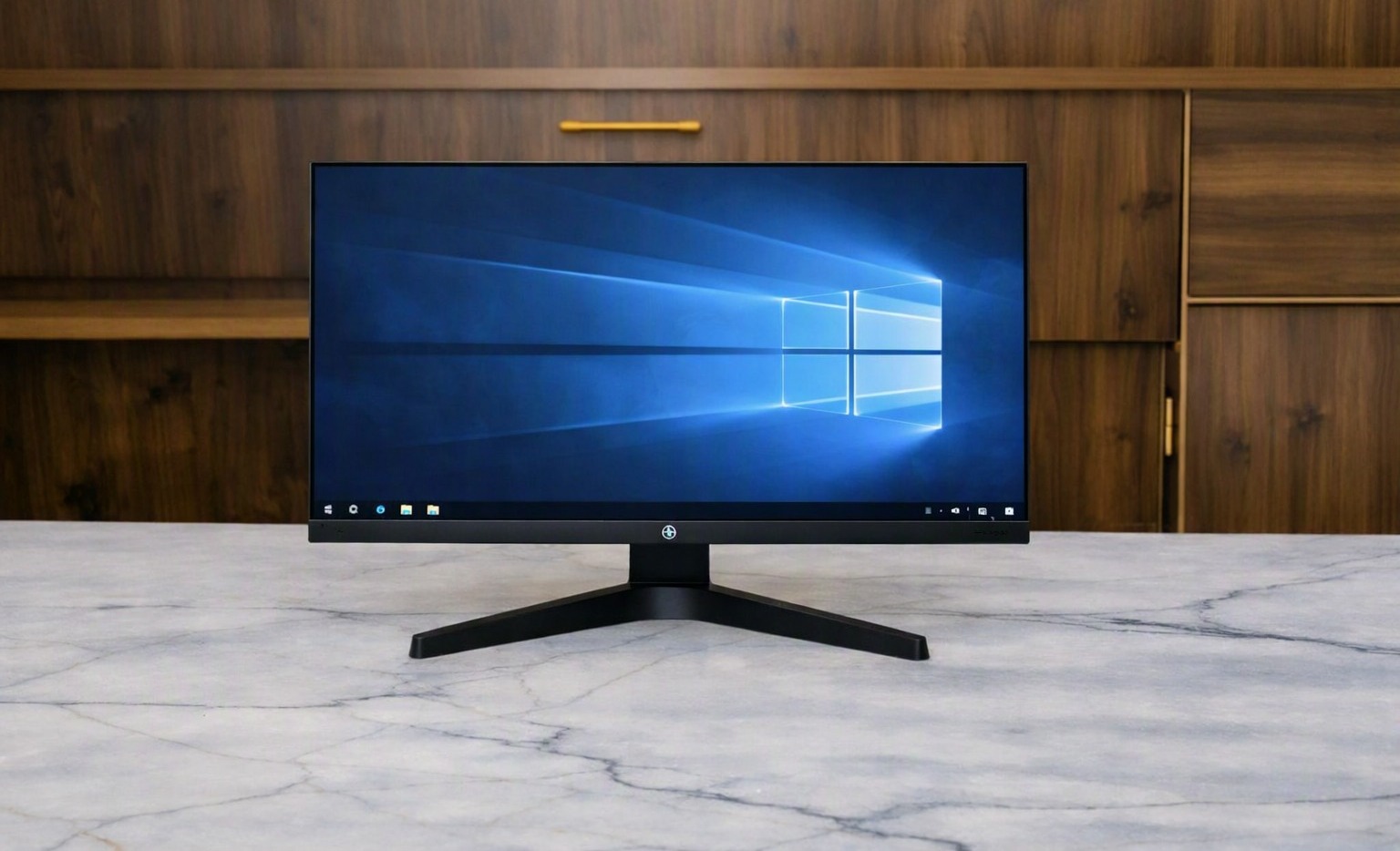
1. Desktop Rental in Bangalore Helps Reduce Upfront IT Costs
Purchasing computers for an entire office can require a substantial initial investment. Businesses may also need monitors, keyboards, mice, software licences, and other accessories to prepare each workstation.
Renting allows companies to spread equipment costs over an agreed period, rather than paying the full purchase price upfront. This may allow them to allocate funds to other priorities, such as recruitment, marketing, infrastructure, and business development.
For example, a company opening a new department might need 20 desktop computers for incoming employees. Rather than purchasing all the equipment immediately, management can compare rental quotations with the total cost of buying the systems.
When evaluating desktop on rent in Bangalore, consider the complete cost of the agreement, including rental payments, deposits, delivery charges, maintenance fees, and any other applicable expenses.
The most suitable option depends on the company’s budget, the expected duration of use, and its long-term equipment requirements.
2. Desktop Rentals in Bangalore Offer Flexibility for Expanding Teams
Business requirements can change throughout the year. Companies may recruit additional employees, expand departments, take on new projects, or establish new office locations.
A rental arrangement can help businesses respond to these changes without immediately committing to permanent ownership of every additional computer.
An IT firm onboarding 15 employees might need additional desktops to accommodate its growing workforce. Renting can be worth considering when the company expects its staffing requirements to change or wants to evaluate its long-term hardware needs before purchasing equipment.
Businesses should confirm whether their rental provider can accommodate additional devices, extend rental periods, or accept early returns. These options depend on the provider’s inventory and the terms of the contract.
This flexibility can be particularly useful for startups, growing companies, and organizations with changing project requirements.
3. Desktop Rental in Bangalore Simplifies Office Expansion
Setting up a new office involves several responsibilities, including employee recruitment, workspace planning, internet connectivity, software installation, and equipment procurement.
Arranging computers through a rental provider may simplify the hardware procurement stage, particularly when a company needs multiple devices within a specific timeframe.
Businesses in Electronic City, Whitefield, HSR Layout, and other Bangalore business districts can evaluate rental arrangements according to their deployment schedules and employee requirements.
Before requesting a quotation, prepare a checklist covering:
- The number of employees who need computers.
- Required desktop specifications and software compatibility.
- Monitor and accessory requirements.
- Delivery location and preferred deployment date.
- Network configuration and installation requirements.
- Maintenance and technical support expectations.
Planning these details in advance helps companies communicate their needs clearly and compare suitable offers.
When researching desktop rental services in Bangalore, businesses should look beyond advertised prices and assess equipment availability, delivery arrangements, service coverage, and contract flexibility.
4. Desktop Rental in Bangalore Can Simplify Hardware Management
Managing office computers involves more than purchasing and distributing devices. Businesses must also consider troubleshooting, hardware maintenance, repairs, replacements, and equipment upgrades.
When a company owns its computers, these responsibilities generally fall to its internal IT team or an external service provider.
Depending on the rental agreement, a rental provider may offer maintenance assistance or support for eligible hardware problems. This can reduce some of the coordination involved in managing office equipment.
Before selecting a provider, corporate offices should ask:
- Is hardware maintenance covered under the rental plan?
- How can employees report technical problems?
- What happens if a desktop stops working?
- Are replacement devices available?
- Are repairs or service visits subject to additional charges?
Clear responses help companies assess the assistance they can rely on.
Companies should also establish internal procedures for software updates, cybersecurity, data backups, and access control. Renting hardware does not automatically transfer these responsibilities to the rental provider.
5. Desktop Rental in Bangalore Supports Projects and Training Programmes
Not every organization requires the same number of computers throughout the year. Training institutes, corporate learning teams, and IT companies may need additional systems for temporary assignments or scheduled programmes.
Renting can be useful when the equipment is required for a defined period and the contract matches the project’s timeline.
For example, a training institute conducting a six-week software course may need several desktop computers for participants. Renting could be more practical than purchasing systems that may remain unused after the programme ends.
Similarly, businesses may need extra computers for employee onboarding, workshops, temporary projects, or seasonal operations.
Before arranging a bulk rental, confirm:
- The availability of the required number of computers.
- Compatibility with the applications used during the programme.
- Whether monitors and accessories are included.
- Delivery and setup timelines.
- Options for extending the rental period if the schedule changes.
For large requirements, contact the provider early with the device quantity, specifications, location, and expected rental duration.
6. Desktop Rental in Bangalore Helps Match Equipment to Business Needs
Different departments use computers for different purposes. Administrative employees may mainly work with documents, spreadsheets, email, and web applications, while developers and technical teams may need more processing power and memory.
Selecting suitable configurations helps businesses balance performance requirements with equipment expenditure.
Here are some examples of desktop requirements across business functions.
Administrative and office teams
Standard business configurations may be sufficient for email, document preparation, spreadsheets, and routine office applications.
Customer support and BPO teams
Customer service departments may need consistent configurations that support customer relationship management platforms, communication software, and browser-based applications.
IT and development teams
Developers and technical employees may require additional memory, processing capacity, or storage, depending on the applications they use.
Training institutes
Training centres may need multiple systems with compatible specifications to support their courses, workshops, and practical sessions.
When comparing corporate desktop rental Bangalore options, provide the rental company with your application requirements instead of requesting computers based only on price.
Check the processor, RAM, storage, operating system, connectivity, and software compatibility before confirming an order. This helps ensure that the selected equipment can handle the intended workload.
7. Desktop Rental in Bangalore Supports Better IT Budget Planning
Corporate offices must manage IT expenses alongside salaries, office rent, utilities, software subscriptions, and other operating costs.
A rental agreement can make hardware expenditure easier to forecast because the business knows the agreed rental payments for the contract period, subject to the agreement’s conditions and any additional charges.
This can help finance and operations teams plan their equipment budgets more systematically.
For example, a company preparing its annual operating budget can compare rental quotations for the number of desktop computers it expects to use. Management can then assess whether renting fits its financial plans better than purchasing.
However, renting is not always less expensive over the long term. Businesses should compare the total rental cost with the purchase price and consider maintenance, upgrades, depreciation, repairs, and eventual equipment replacement.
A useful cost comparison should include:
- Monthly or periodic rental payments.
- Security deposits and other upfront charges.
- Delivery and installation expenses.
- Maintenance and technical support costs.
- Extension and early termination charges.
- Equipment return conditions.
For organizations researching office computer rental Bangalore solutions, reviewing the complete cost structure is more useful than comparing monthly prices alone.
How to Choose the Right Desktop Rental Provider in Bangalore
Understanding the potential benefits of renting is only the first step. Corporate offices should also evaluate the provider’s equipment, service terms, and ability to meet their requirements.
Check Desktop Specifications and Condition
Ask for the exact specifications of the available computers. Confirm whether the equipment is new, refurbished, or previously used, and ensure that its condition meets your organization’s expectations.
Review the Rental Agreement
Understand the rental duration, payment schedule, security deposit, renewal options, early termination conditions, and responsibilities for damaged equipment.
Confirm Maintenance and Technical Support
Ask whether hardware maintenance is included and how service requests are handled. Clarify response times, replacement policies, and any additional charges.
Verify Availability and Delivery Timelines
If your office requires several computers, share the quantity and configuration requirements in advance. Obtain confirmation of availability and the agreed delivery schedule before planning employee onboarding or project deployment.
Compare Complete Quotations
Evaluate the equipment configuration, accessories, rental duration, delivery fees, maintenance coverage, and other applicable charges together. This provides a more accurate basis for comparing providers.
Why Consider Renton Technologies for Desktop Rental in Bangalore?
Renton Technologies is an IT hardware rental company based in Electronic City, Bangalore, serving businesses with a range of equipment rental requirements.
We help businesses explore IT hardware rental options for office operations, employee onboarding, workforce expansion, and project-based requirements.
Our service categories include:
- Desktop rental: Computers for corporate offices and everyday business operations.
- Laptop rental: Laptops for employees, project teams, training, and temporary requirements.
- Workstation rental: Higher-performance systems for compatible professional workloads.
- Server rental: Server equipment for suitable business infrastructure requirements.
- Printer rental: Printing equipment for office documentation and daily operations.
Whether your company is setting up a new office, expanding an existing team, or arranging computers for a project, you can contact our team to discuss your requirements.
We recommend confirming device availability, specifications, rental terms, delivery schedules, and support coverage before placing an order.
Contact Renton Technologies
- Phone: 8050281515
- Website: https://www.renton.org.in
- Location: Electronic City, Bangalore, Karnataka
Contact us to discuss your equipment requirements and request a quotation for your business.
Conclusion: Is Desktop Rental in Bangalore Right for Your Corporate Office?
Choosing suitable computers is an important part of maintaining productive business operations. Corporate offices need to balance equipment performance, employee requirements, hardware availability, and IT expenditure.
Renting can be worth considering when businesses need computers for new employees, office expansion, training programmes, or temporary projects. Potential advantages include lower initial hardware expenditure, flexible equipment planning, maintenance support where included, and more predictable rental payments.
However, renting is not automatically the best option for every organization. Compare the total cost, expected duration of use, hardware specifications, and contract conditions before making a decision.
If your business needs desktops, laptops, workstations, servers, or printers, Renton Technologies can discuss your IT equipment requirements.
Frequently Asked Questions
Desktop rental allows businesses to use desktop computers for an agreed period in exchange for rental payments. Available configurations, rental durations, and included services depend on the provider and contract.
Yes. Renting can suit offices that need computers for new employees, expansion, temporary projects, or training programmes. It’s suitability depends on the rental cost, contract terms, and expected period of use.
The cost depends on desktop specifications, the number of computers, rental duration, accessories, delivery requirements, and support services. Contact a provider for a quotation based on your specific needs.
Some providers offer short-term rental plans, while others require a minimum contract period. Confirm the available duration and any applicable charges before proceeding.
This depends on the rental agreement. Ask the provider about hardware maintenance, troubleshooting, replacement policies, and additional service charges.
Businesses can enquire about bulk requirements for employee onboarding, office expansion, training programmes, and project deployments. Device availability, configurations, pricing, and delivery schedules should be confirmed with the provider.
Not necessarily in every situation. Renting may reduce initial expenditure and offer flexibility, while purchasing may be more economical over a long period. Compare total rental payments with the purchase price and ownership costs before deciding.
Renton Technologies is based in Electronic City, Bangalore. Businesses can contact the team to discuss their equipment requirements and confirm available rental options.