
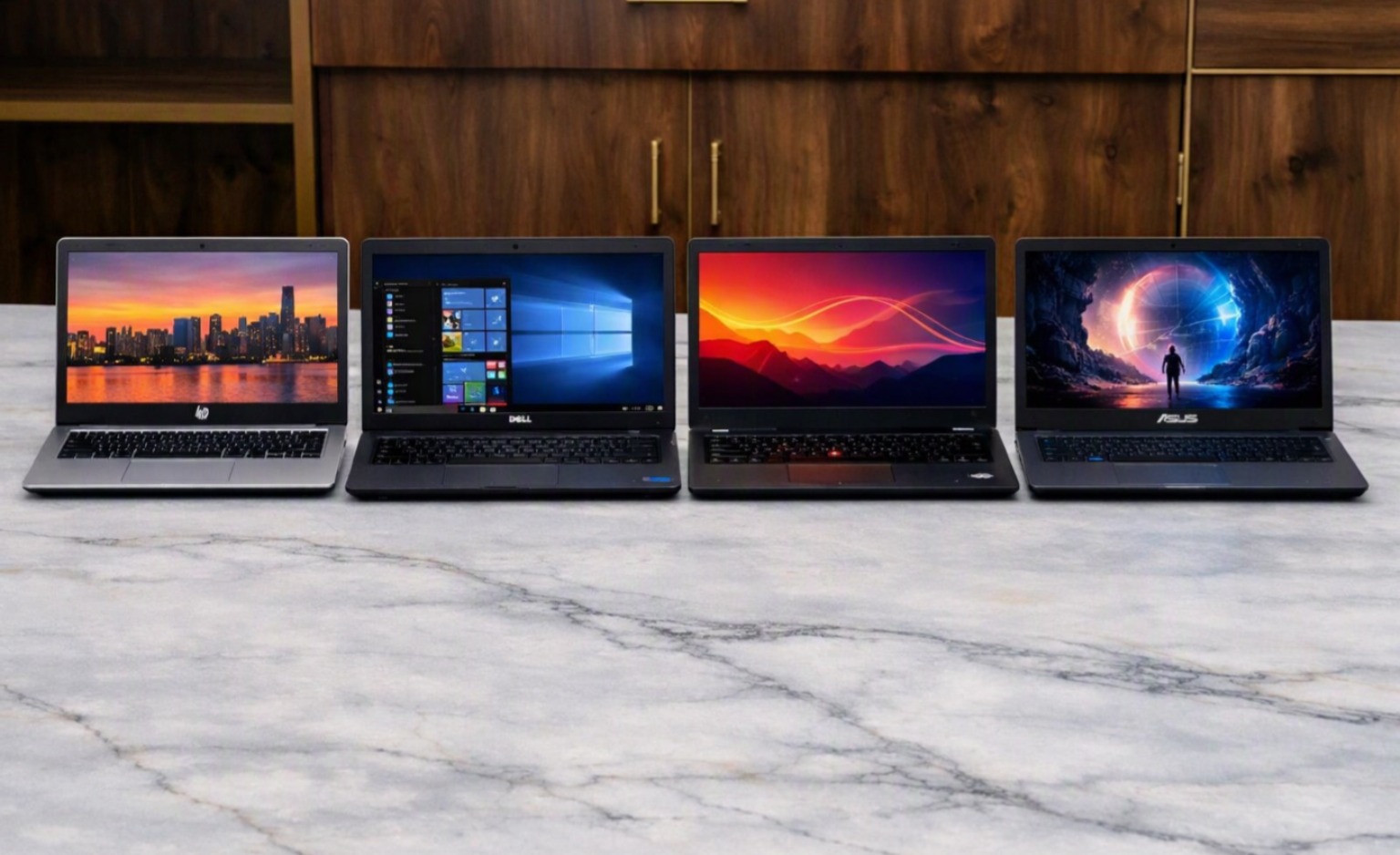
Bulk laptop rental in Bangalore

Bulk Laptop Rental in Bangalore: Need 50 Laptops Fast?

Bulk laptop rental in Bangalore

When a business suddenly needs 20, 50, or even 100 laptops, purchasing every device may not always be practical. Corporate training programs, conferences, new office launches, temporary projects, employee onboarding, and large events often create short-term technology requirements.

That is where Bulk Laptop Rental in Bangalore can provide a flexible solution.

Instead of investing heavily in laptops that may not be required permanently, businesses can rent the required number of devices for a specific period. For companies operating in Bangalore, bulk laptop rental can make it easier to equip teams quickly while keeping hardware requirements aligned with project timelines.

Whether you need laptops for a few days, one month, several months, or a longer project, choosing the right rental provider and configuration is important.

Why Choose Bulk Laptop Rental in Bangalore for Your Business?

Businesses often face changing workforce and project requirements. A company may need additional laptops because of a new contract, a temporary workforce, a training program, or an upcoming corporate event.

Buying laptops for every temporary requirement can increase capital expenditure and create additional responsibilities related to storage, maintenance, upgrades, and eventual replacement.

Bulk Laptop Rental in Bangalore allows businesses to obtain multiple devices according to their current requirements.

The biggest advantage is flexibility. Instead of purchasing a large number of devices upfront, companies can discuss the quantity, specifications, rental period, delivery requirements, and support with a rental provider.

This approach can be especially useful when the future requirement for the devices is uncertain.

Who Needs Bulk Laptop Rental in Bangalore?

Bulk Laptop Rental in Bangalore can support organizations across several industries and use cases.

Bulk Laptop Rental in Bangalore for IT Companies: IT companies may require additional laptops when starting a new software project, onboarding employees, expanding a development team, or hiring temporary professionals.

Rather than purchasing additional devices for every short-term requirement, companies can explore rental options based on their project duration.

Bulk Laptop Rental in Bangalore for Startups: Startups often grow quickly. A team that begins with 10 employees may expand significantly within a short period.

For a growing startup, renting laptops can provide an option to equip employees while keeping hardware procurement flexible.

Bulk Laptop Rental in Bangalore for Training Institutes: Training programs can require large quantities of computers for a limited period.

A training institute may need 30, 50, or more laptops for a specific batch. Once the training program ends, the same quantity may not be required.

Bulk Laptop Rental in Bangalore can help training providers arrange the necessary equipment without purchasing an entire fleet.

Bulk Laptop Rental in Bangalore for Corporate Events: Conferences, seminars, workshops, recruitment drives, and corporate events may require laptops for registration, presentations, demonstrations, workshops, or temporary teams.

Renting the required number of devices can simplify event technology planning.

What to Check Before Choosing Bulk Laptop Rental in Bangalore?

Getting a large number of laptops is only one part of the requirement. Businesses should also verify whether the equipment is appropriate for the intended workload.

Bulk Laptop Rental in Bangalore: Check the Configuration

Different employees may have different computing requirements.

For basic office work, a business laptop with an appropriate processor, RAM, and SSD storage may be sufficient.

For development, engineering, design, or other demanding workloads, higher specifications may be required.

Before requesting a quotation, prepare a basic specification list covering:

  • Processor
  • RAM
  • SSD/storage capacity
  • Operating system
  • Display size
  • Graphics requirements
  • Required software
  • Quantity required

Providing these details helps the rental provider understand the actual requirement.

Bulk Laptop Rental in Bangalore: Check Device Condition

When renting dozens of laptops, consistency and device condition matter.

Ask whether the laptops are tested before delivery. If you are considering renewed or refurbished devices, understand what checks have been performed.

For a large corporate requirement, businesses may also want to confirm whether the devices have compatible configurations.

Bulk Laptop Rental in Bangalore: Confirm Rental Duration

Rental requirements can range from a few days to several months or longer.

Before finalizing the agreement, confirm the rental period and understand how extensions are handled if the project continues beyond the original timeline.

Bulk Laptop Rental in Bangalore: Ask About Technical Support

Technical problems can affect productivity, particularly when many devices are being used simultaneously.

Ask the rental provider about troubleshooting, maintenance, replacement procedures, and support during the rental period.

Having a clear support process can make large-scale laptop deployment easier to manage.

How Much Does Bulk Laptop Rental in Bangalore Cost?

There is no single rental price for every bulk laptop requirement.

The final price is determined by a range of factors, including:

  • Number of laptops
  • Laptop configuration
  • Rental duration
  • Device condition
  • Required accessories
  • Delivery requirements
  • Technical support
  • Quantity of identical configurations

For example, renting 50 standard business laptops for a short training program will have different requirements from renting 50 high-performance laptops for a technical project.

Businesses should therefore request a quotation based on their exact quantity, specifications, and rental duration rather than relying on a generic price.

When Should You Choose Bulk Laptop Rental in Bangalore?

Bulk Laptop Rental in Bangalore can be considered when your business has a temporary or changing hardware requirement.

Common situations include:

  • New office setup
  • Employee onboarding
  • Corporate training
  • IT projects
  • Conferences
  • Workshops
  • Recruitment drives
  • Temporary employees
  • Seasonal business requirements
  • Educational programs
  • Startup expansion
  • Short-term client projects

The more temporary or uncertain the requirement, the more useful a flexible rental arrangement may become.

Benefits of Bulk Laptop Rental in Bangalore for Businesses

Businesses can consider bulk rental for several practical reasons.

Flexible quantity: Companies can arrange multiple devices according to project requirements.

Reduced upfront purchasing: Renting can avoid the need to purchase a large number of laptops immediately.

Project flexibility: Equipment can be aligned with the duration of a temporary project.

Faster team deployment: Businesses can focus on equipping employees rather than building a permanent hardware inventory for short-term needs.

Support options: Depending on the rental agreement, businesses may have access to maintenance or technical support.

Scalability: Additional equipment can potentially be arranged when the business requirement increases.

These benefits depend on the rental agreement and provider, so companies should always review the terms before confirming an order.

How Renton Technologies Provides Bulk Laptop Rental in Bangalore

Renton Technologies provides IT hardware rental solutions for businesses in Bangalore.

For organizations looking for Bulk Laptop Rental in Bangalore, Renton Technologies can help businesses discuss requirements based on quantity, laptop configuration, rental duration, and project requirements.

Bulk rentals can be relevant for corporate teams, training programs, startups, events, temporary projects, and other business requirements.

Before placing a rental order, businesses should share important information such as the number of laptops required, preferred specifications, delivery location, rental period, and intended usage.

This allows the requirement to be evaluated more accurately and helps identify a suitable rental solution.

Get Bulk Laptop Rental in Bangalore for Your Next Project

When your business needs dozens of laptops for a limited period, purchasing every device may not always be the most flexible approach.

Bulk Laptop Rental in Bangalore can help companies arrange the hardware they need for training programs, corporate events, new office setups, temporary projects, employee onboarding, and growing teams.

The key is to select suitable configurations, confirm device quality, understand rental terms, and choose a provider that can support your requirements.

If your business needs 10, 20, 50, 100 or more laptops, Renton Technologies can help you discuss your bulk laptop rental requirement in Bangalore.

Need laptops for your next project or event? Contact Renton Technologies today and discuss your bulk laptop rental requirement.

Call: 8050281515

Visit Our website: http://www.renton.org.in

Frequently Asked Questions

The quantity depends on available inventory and the requirements of the project. Businesses can enquire about quantities ranging from several devices to larger corporate requirements.

Yes, businesses can enquire about monthly rental requirements. Availability and rental terms depend on the equipment and quantity required.

Yes. Bulk laptop rentals can be considered for conferences, training programs, workshops, seminars, and corporate events.

Yes. Startups can explore bulk laptop rental when they need to equip new employees, temporary teams, or project-based staff.

Provide the number of laptops, preferred specifications, rental duration, delivery location, intended use, and any special software or accessory requirements.
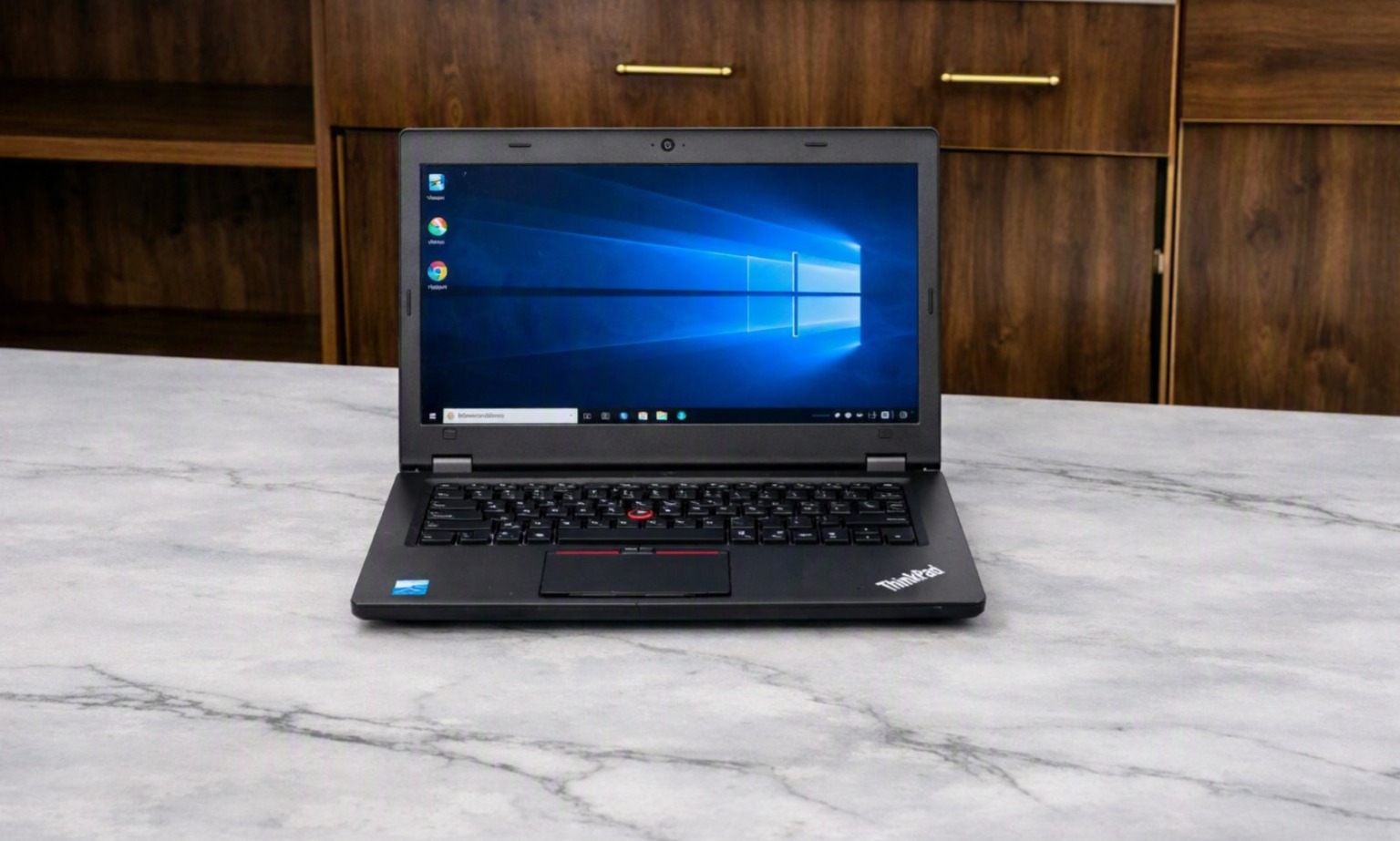
Laptop for Corporate Training Programs

How to Choose the Right Laptops for Corporate Training Programs

Laptop for Corporate Training Programs

Choosing Performance-Driven Laptop for Corporate Training Programs

Corporate training programs have become an important part of employee development, onboarding, technical education, and professional skill building. Whether a company is conducting software training, employee induction, certification classes, technical workshops, or large-scale learning sessions, having the right technology can make the training experience smoother and more productive.

Choosing the right Laptop for Corporate Training Programs requires more than simply selecting an affordable device. Businesses need to consider the training software, number of participants, processor, RAM, storage, operating system, connectivity, and duration of the program.

For organizations that need computers only for a specific training period, renting laptops can also be a practical and cost-effective option. Renton Technologies provides laptop rental solutions for corporate training, employee onboarding, temporary projects, training institutes, and business events.

Why Laptop Selection Matters for Corporate Training Programs

A training session can involve several activities at the same time. Participants may need to watch presentations, access online resources, use business applications, write code, work with spreadsheets, attend video meetings, or complete practical assignments.

If the laptops are slow or incompatible with the required software, participants may face delays and interruptions.

The right corporate training laptops can help provide:

  • Smooth application performance
  • Faster startup and software loading
  • Better multitasking
  • Reliable connectivity
  • Comfortable working sessions
  • Fewer technical interruptions
  • Consistent performance across participants

The objective should be to select laptops that match the training requirements rather than automatically choosing the most expensive configuration.

Understand Your Training Requirements

Before arranging laptops, identify what participants will actually do during the training program.

Different courses require different levels of computing performance.

For basic office training, participants may primarily use Microsoft Office, web browsers, email, presentations, and business applications. A standard business laptop may be sufficient for these activities.

Technical training may require more powerful systems. Programming, database management, data analysis, engineering applications, CAD, graphic design, and video editing can require higher processing power and memory.

Create a list of the software and applications that will be used before deciding on the laptop configuration.

This simple step can prevent organizations from renting or purchasing systems that are either underpowered or unnecessarily expensive.

How to Choose the Right Processor for Laptops for Corporate Training Programs

The processor is one of the most important components to consider when selecting a Laptop for Corporate Training Programs.

For general office training, modern Intel Core or AMD Ryzen processors can provide sufficient performance for everyday business applications.

Training programs involving development environments, engineering software, data processing, or other demanding applications may require a higher-performance processor.

Instead of selecting a processor based only on its model number, businesses should consider the actual workload.

The right processor should provide enough performance to run the required applications smoothly while keeping the overall equipment cost practical.

Laptops for Corporate Training Programs: How Much RAM Is Enough?

RAM directly affects how well a laptop handles multiple applications.

During corporate training, participants may have several programs open simultaneously. A trainee could be working with a browser, presentation, spreadsheet, communication platform, and training application at the same time.

For basic corporate training, 8GB RAM can be a practical starting point. Training involving software development, data analysis, design applications, or heavier multitasking may benefit from 16GB RAM or more.

When arranging employee training laptops, businesses should consider the recommended RAM requirements of the software being used.

Why SSD Storage Matters in Laptops for Corporate Training Programs

Storage remains an essential element that deserves attention.

Laptops with SSD storage generally provide faster boot times and application loading compared with traditional hard disk drives. This can be particularly useful in a training environment where multiple participants need to start their systems and access applications quickly.

For many standard training programs, a 256GB SSD may provide adequate capacity. Programs involving large applications, datasets, design files, or media content may require more storage.

An SSD can also contribute to a more responsive overall user experience, making it a useful feature for corporate training laptops.

Laptops for Corporate Training Programs: Ensuring OS and Software Compatibility

The operating system should be compatible with the applications required for the training program.

For example, if a course depends on Windows-based business or technical applications, the laptops should have a compatible Windows environment.

Before the training begins, the IT team should install and test all required applications.

Important checks include:

  • Operating system compatibility
  • Software versions
  • Application licenses
  • Drivers
  • Browser compatibility
  • Network access
  • User permissions
  • Security settings

Testing everything before the first training session can reduce technical issues and save valuable training time.

Why Screen Size and User Comfort Matter in Laptops for Corporate Training Programs

Participants may spend several hours working on their laptops, so comfort should also be considered.

A 14-inch or 15.6-inch display can provide a useful balance between portability and viewing comfort for many training environments.

A suitable screen makes it easier to read documents, follow presentations, write code, work with spreadsheets, and complete practical exercises.

For classroom-based programs, organizers should also consider desk size, seating arrangements, and viewing distance when selecting equipment.

Connectivity & Battery Essentials for Laptops in Corporate Training Programs

Reliable connectivity is essential for modern training programs.

Many corporate sessions use cloud applications, online learning platforms, video conferencing tools, collaboration software, and web-based applications.

Before arranging laptops, check:

  • Wi-Fi compatibility
  • Required ports
  • Bluetooth requirements
  • Network compatibility
  • Charging requirements
  • Power adapter availability

If the training takes place in a fixed classroom, organizers should also ensure that sufficient power outlets and charging facilities are available.

How to Plan Bulk Laptop Requirements for Corporate Training Programs

Large training programs may require a significant number of devices.

For example, a company conducting training for 50 employees may need 50 laptops for the same period. A larger training initiative could require 100 or more systems.

Managing a large number of devices becomes easier when the systems have similar configurations.

Standardized laptops can simplify:

  • Software installation
  • System configuration
  • Network setup
  • Troubleshooting
  • Technical support
  • User instructions

For organizations that need equipment temporarily, bulk laptop rental can be an alternative to purchasing a large number of computers.

When Should You Rent Laptops for Training?

Buying laptops may be appropriate when a company requires permanent equipment for its employees.

However, purchasing may not always be practical when the requirement is temporary.

Laptop Rental for Training Programs can be useful for:

  • Short-term corporate training
  • Employee onboarding
  • Technical workshops
  • Certification programs
  • Temporary training centers
  • Educational programs
  • Skill development sessions
  • Corporate events
  • Project-based learning

If the equipment is required only for a few weeks or months, renting can allow businesses to access the required systems without purchasing devices that may have limited use afterward.

Benefits of Renting Laptops for Corporate Training

Businesses can consider rental when they need flexibility in both quantity and duration.

Lower Initial Investment

Organizations can avoid purchasing a large number of laptops specifically for a temporary training program.

Flexible Rental Duration

Equipment can be arranged according to the expected duration of the training.

Support for Large Groups

Rental providers can help businesses arrange multiple systems for larger groups of participants.

Easier Deployment

Coordinating the delivery and collection of multiple devices through a rental provider can simplify the logistics.

Technical Assistance

Access to technical support can help businesses address equipment-related problems during the training period.

Preparing Laptops Before the Training Session

Preparing the equipment in advance is one of the most important steps in organizing a successful training program.

Before participants arrive, the training team should:

  1. Start and restart the laptops.
  2. Check operating system functionality.
  3. Test internet connectivity.
  4. Install required applications.
  5. Verify software licenses.
  6. Test participant accounts.
  7. Check audio and video.
  8. Confirm network access.
  9. Apply necessary updates.
  10. Test the complete training workflow.

This preparation helps identify potential issues before the actual session begins.

Data Security Considerations

Corporate training can sometimes involve internal applications, confidential documents, employee information, or company systems.

Organizations should therefore establish appropriate security procedures.

Depending on the training environment, companies may consider:

  • Antivirus protection
  • Password policies
  • Restricted user permissions
  • Secure Wi-Fi
  • Access controls
  • Data deletion procedures
  • Device security policies

When using rental equipment, businesses should also understand how devices are prepared before delivery and handled after the rental period.

Who Can Benefit from Training Laptop Rentals?

Laptop rental can be useful for many types of organizations.

Companies and institutions that may benefit include:

  • IT companies
  • Startups
  • MNCs
  • Training institutes
  • Educational organizations
  • Corporate HR teams
  • Certification providers
  • Event management companies
  • Remote training teams
  • Project-based organizations

The required laptop configuration will depend on the training content, software, number of participants, and duration.

Top Reasons to Choose Renton Technologies for Laptops for Corporate Training Programs

Renton Technologies provides IT equipment rental solutions for businesses and organizations with temporary or long-term technology requirements.

The company offers rental solutions for:

  • Laptops
  • Desktops
  • Servers
  • Workstations
  • Printers

Renton Technologies supports requirements related to corporate training, employee onboarding, business projects, training institutes, events, temporary offices, and bulk equipment requirements.

Businesses can discuss their requirements based on the number of participants, rental duration, preferred configuration, software requirements, delivery location, and technical support needs.

For companies looking for a Laptop for Corporate Training Programs, Renton Technologies can help identify a suitable rental solution based on the specific requirements of the project.

Quick Checklist for Choosing Training Laptops

Before finalizing the equipment, consider the following:

Requirement

What to Check

Processor

Match the training applications

RAM

8GB for basic use; 16GB+ for heavier workloads

Storage

SSD preferred

Operating System

Compatible with required software

Display

Comfortable for extended use

Connectivity

Wi-Fi and required ports

Battery

Suitable for the training environment

Software

Installed and tested beforehand

Quantity

Match the number of participants

Support

Technical assistance available

Final Insights: Selecting Laptops for Corporate Training Programs

Selecting the right Laptop for Corporate Training Programs can have a direct impact on the effectiveness of a training session. Businesses should evaluate the applications being used, processor, RAM, storage, operating system, display, connectivity, security, and number of participants before arranging equipment.

For temporary training programs, laptop rental can offer greater flexibility than purchasing a large number of devices that may not be needed after the program.

Whether you are conducting employee onboarding, technical training, certification programs, or a large corporate workshop, planning your laptop requirements in advance can help create a smoother learning experience.

If your organization needs laptops for an upcoming training program, Renton Technologies can help you arrange suitable equipment based on your quantity, configuration, and rental duration requirements.

Contact Renton Technologies!

Email Id: contact@renton.org.in

Mobile No: +91-8050281515

Website: www.renton.org.in

Address: Renton Technologies LLP, First Floor, Lava Kusha Building, No. 6/2, Beratena Agrahara, Electronic City, Bengaluru, Karnataka 560100.

Land Mark: Near Damro Furniture

Map Link: https://www.google.com/maps/place/Renton+Technologies+LLP/@12.8646504,77.6578691,17z/data=!3m1!4b1!4m6!3m5!1s0x3bae6d5de476e795:0x6425e00f67ca91d7!8m2!3d12.8646504!4d77.6578691!16s%2Fg%2F11xrgvxx7z?hl=en&entry=ttu&g_ep=EgoyMDI2MDcyMS4wIKXMDSoASAFQAw%3D%3D